
SaveState has been released in version v3.3.
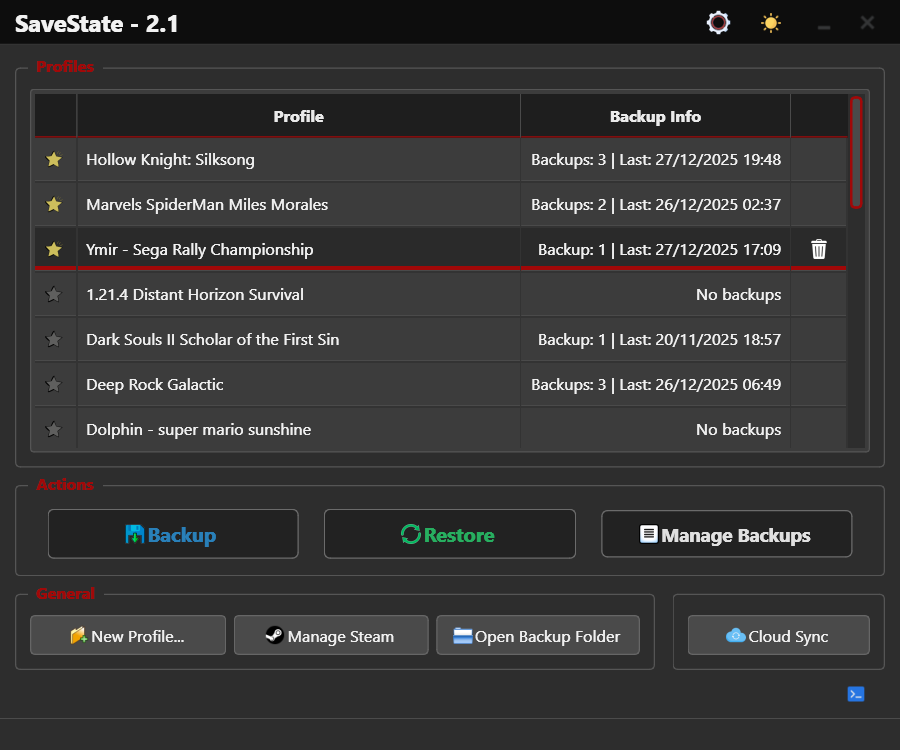
The tool is a user-friendly GUI application for Windows and Linux that lets you back up and restore video game save files.
The update adds support for 9 languages (including German, with automatic system language detection), a save folder choice for duplicate Switch games and support for Anker launcher shortcuts.
New:
SaveState Now Speaks Your Language: Requested in #72, SaveState is now available in 9 languages: English, Italian, Spanish, French, German, Brazilian Portuguese, Russian, Japanese and Simplified Chinese. On first launch, SaveState uses your system language. A new flag button opens a language panel with search. You can pick any language or go back to Automatic at any time.
Choose the Save Folder for Duplicate Switch Games: Sometimes a Switch emulator (Yuzu family) has the same game in more than one save folder. Before, each folder showed up as a separate entry. Now saves with the same title ID are grouped as one game. If a game has more than one folder, the next step asks which one to use. The folder with the most recent save is listed first and selected automatically. It is marked Latest.
Anker Launcher Shortcuts: Dragging an Anker launcher shortcut into SaveState now finds the real game executable. SaveState reads it from the shortcut icon, or from Anker’s
library.jsonand the game ID.Improvements:
- Bigger Switch game database: many more Switch titles now show their real game name instead of the title ID.
- Faster theme switching: changing theme no longer runs an internet check on the UI thread, which could freeze the app for a few seconds. Stylesheet updates are also faster.
- Consistent light theme: in the light theme, buttons, fields, and other widgets now have the same size as in the dark theme.
Fixes:
- “Settings not found” at Windows startup: with a portable setup started at login (for example inside OneDrive), Windows started SaveState from
System32. SaveState then could not find its.savestatesettings and showed the dialog on every boot. Packaged builds now always start from their own folder, so Start with Windows works with portable setups.
Source: GitHub