
SaveState has been released in version v3.2.1.
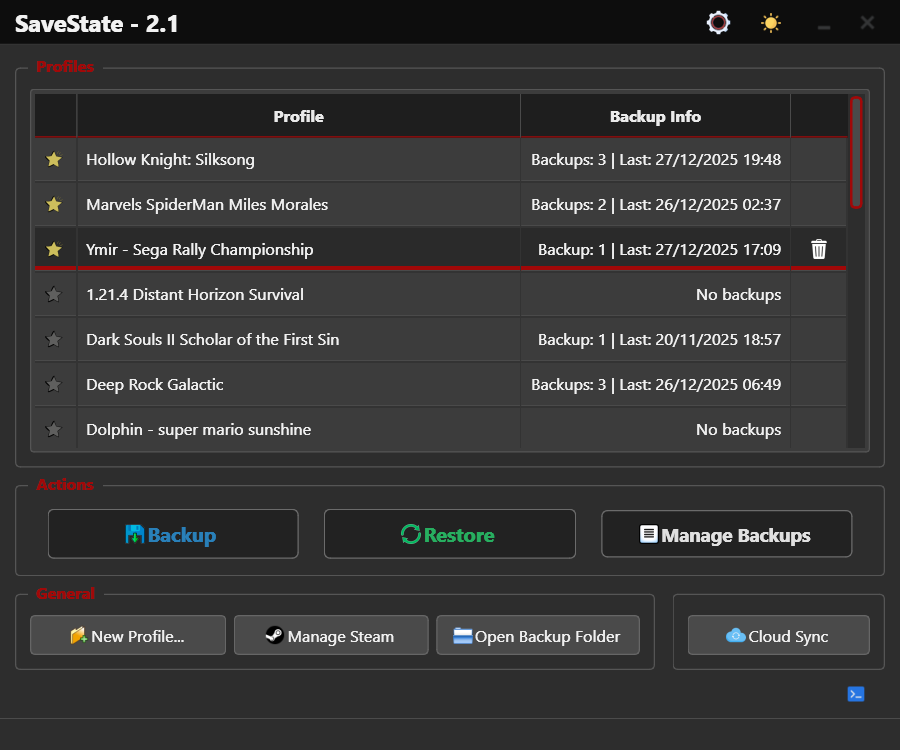
The tool is a user-friendly GUI application for Windows and Linux that lets you back up and restore video game save files.
This bugfix update follows version 3.2 and adds support for the Eglantine and Lichii emulators, a faster profile editor and an important Linux fix: the AppImage now runs on Ubuntu 22.04 (glibc 2.35).
New: Eglantine and Lichii emulator support (Eden-based forks that run Switch 2 games). A normal install is now detected correctly. Before, they were found only if the install path contained “eden”. Reads a custom
nand_directoryfromconfig/qt-config.ini, supports portablenandfolders next to the exe and inuser, and no more duplicate results from junctions or redirected NAND folders. Eden detection is unchanged.Improvements: Faster profile editor: running processes are scanned in the background, so the editor opens without waiting. Cleaner auto-backup process picker: AI assistants, Hyper-V/WSL processes, game support tools (crash reporters, anti-cheat, overlays) and generic utilities (updaters, shells, Git, download managers) are now hidden from the list. Missing portable settings at startup: SaveState waits briefly for the settings to appear. If they do not, you can retry, set up again, or quit. The setup wizard no longer opens on its own.
Fixes: AppImage crash on older Linux distros: the Linux build now runs on Ubuntu 22.04 (needs only glibc 2.35), and the PyInstaller splash screen is gone. That splash bundled a libtcl that needed glibc 2.38. Profile-specific backup settings now apply only when “Use profile-specific settings” is on. Before, old saved values could hide later changes to the global settings, such as the maximum number of backups per profile.
Source: GitHub