
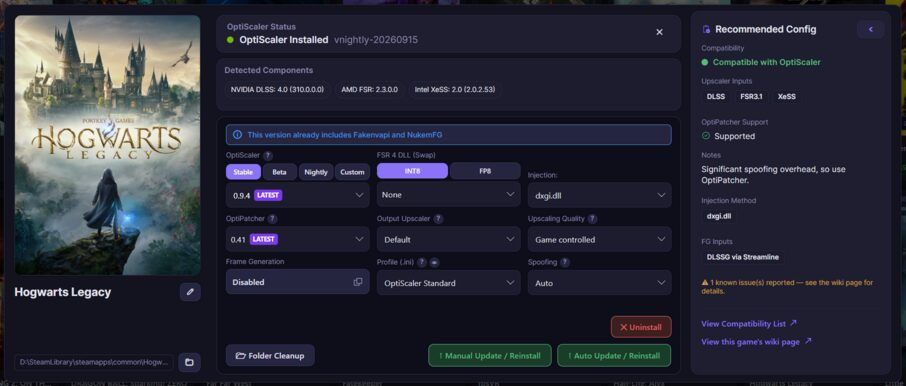
OptiScaler Client, a management tool for enabling upscaling and frame generation techniques in games, has been released in version 1.0.8.
The update brings a visual overhaul, a quick tour for new users and an improved Help section. It also adds anti-cheat warnings, post-install settings verification and Frame Generation Auto with multipliers up to x6.
This update brings a visual overhaul, a quick tour for new users and an improved Help section.
Key Fixes
- Resolved issue where reinstalling deleted game FidelityFX DLLs
- Corrected FSR badge display to show installed version
- Fixed GPU detection for Steam Deck and Radeon AI PRO R9700
- Addressed gamepad navigation and Linux dialog positioning issues
New Features
- Quick tour guide for new users
- Empty library notification
- Anti-cheat installation warnings
- Post-install settings verification
- FSR version-in-use display
Improvements
- Comprehensive visual redesign across the application
- Frame Generation Auto now supports up to x6 multipliers
- Enhanced cover art discovery without API keys
- Improved Help documentation and tooltips
Source: GitHub