
DLSS Updater has been released in version 5.1.0.
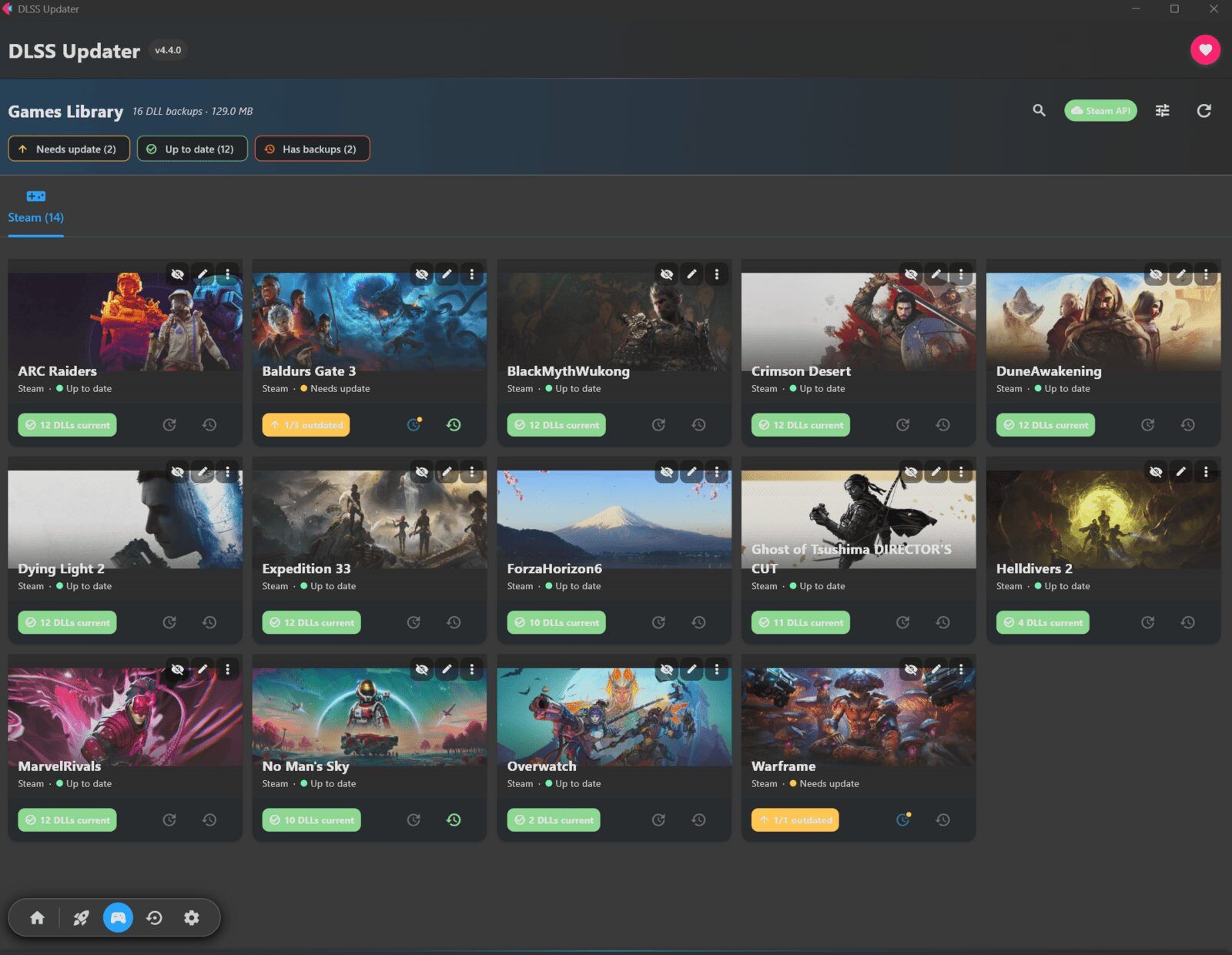
The tool scans the games installed on a system and replaces outdated DLSS, XeSS, and FSR DLLs with newer versions - including automatic backups for rollback.
This release adds a Select button that lets users pick individual games via checkboxes and update just those, along with reworked hover animations in the hub. It also brings numerous bug fixes (including icon updates, progress indicators, and locked files) and performance improvements from reduced UI redrawing and an update of the Flet UI framework to version 1.0.2.
New Features
- Selective Game Updates: A new Select button enables checkboxes on each game, allowing users to “choose a few and update just those.” Press Esc or Done to exit selection mode.
- Enhanced Hub Animations: Hovering over cards triggers interactive icon movements including a lifting rocket, twinkling sparkle, rewinding backup arrow, turning gear, and tilting controller.
Bug Fixes
- Icon updates now function properly across selected games, update progress indicators, badges, and theme settings
- Messages in Launchers view and DLSS overlay dialogs now display correctly
- Settings panels that fail checks no longer cause crashes
- Escape key navigation improved for consistent screen-back functionality
- Selection highlighting no longer persists incorrectly
- Locked game files no longer block full updates; retry occurs after other files finish
- Links and game launches from cards no longer freeze the window
Performance Improvements
- Reduced redrawing during theme switching, scan progress, updates, and list searching
- UI framework (Flet) updated to version 1.0.2
- Legacy code cleanup and memory usage optimization
Source: GitHub