
DLSS Updater wurde in Version 5.1.0 veröffentlicht.
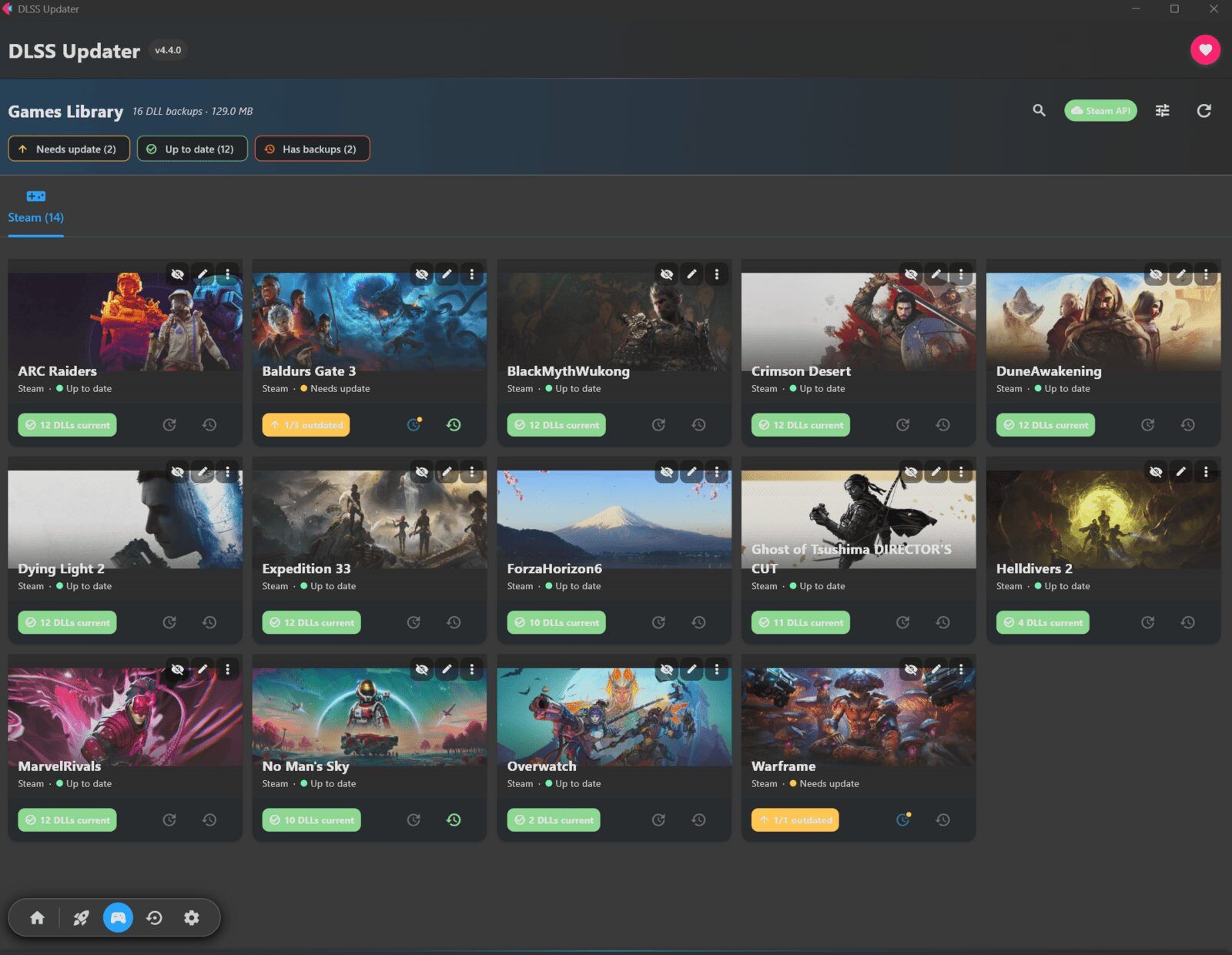
Das Tool durchsucht die auf dem System installierten Spiele und ersetzt veraltete DLSS-, XeSS- und FSR-DLLs durch aktuellere Versionen - inklusive automatischer Backups zum Zurücksetzen.
Neu ist ein Select-Button, mit dem sich einzelne Spiele per Checkbox auswählen und gezielt aktualisieren lassen, sowie überarbeitete Hover-Animationen im Hub. Daneben bringt das Release zahlreiche Bugfixes (u. a. bei Icon-Updates, Fortschrittsanzeigen und blockierten Dateien) sowie Performance-Verbesserungen durch weniger Neuzeichnen der Oberfläche und ein Update des UI-Frameworks Flet auf Version 1.0.2.
New Features
- Selective Game Updates: A new Select button enables checkboxes on each game, allowing users to “choose a few and update just those.” Press Esc or Done to exit selection mode.
- Enhanced Hub Animations: Hovering over cards triggers interactive icon movements including a lifting rocket, twinkling sparkle, rewinding backup arrow, turning gear, and tilting controller.
Bug Fixes
- Icon updates now function properly across selected games, update progress indicators, badges, and theme settings
- Messages in Launchers view and DLSS overlay dialogs now display correctly
- Settings panels that fail checks no longer cause crashes
- Escape key navigation improved for consistent screen-back functionality
- Selection highlighting no longer persists incorrectly
- Locked game files no longer block full updates; retry occurs after other files finish
- Links and game launches from cards no longer freeze the window
Performance Improvements
- Reduced redrawing during theme switching, scan progress, updates, and list searching
- UI framework (Flet) updated to version 1.0.2
- Legacy code cleanup and memory usage optimization
Quelle: GitHub