
DLSS Updater has been released in version 5.0.0.
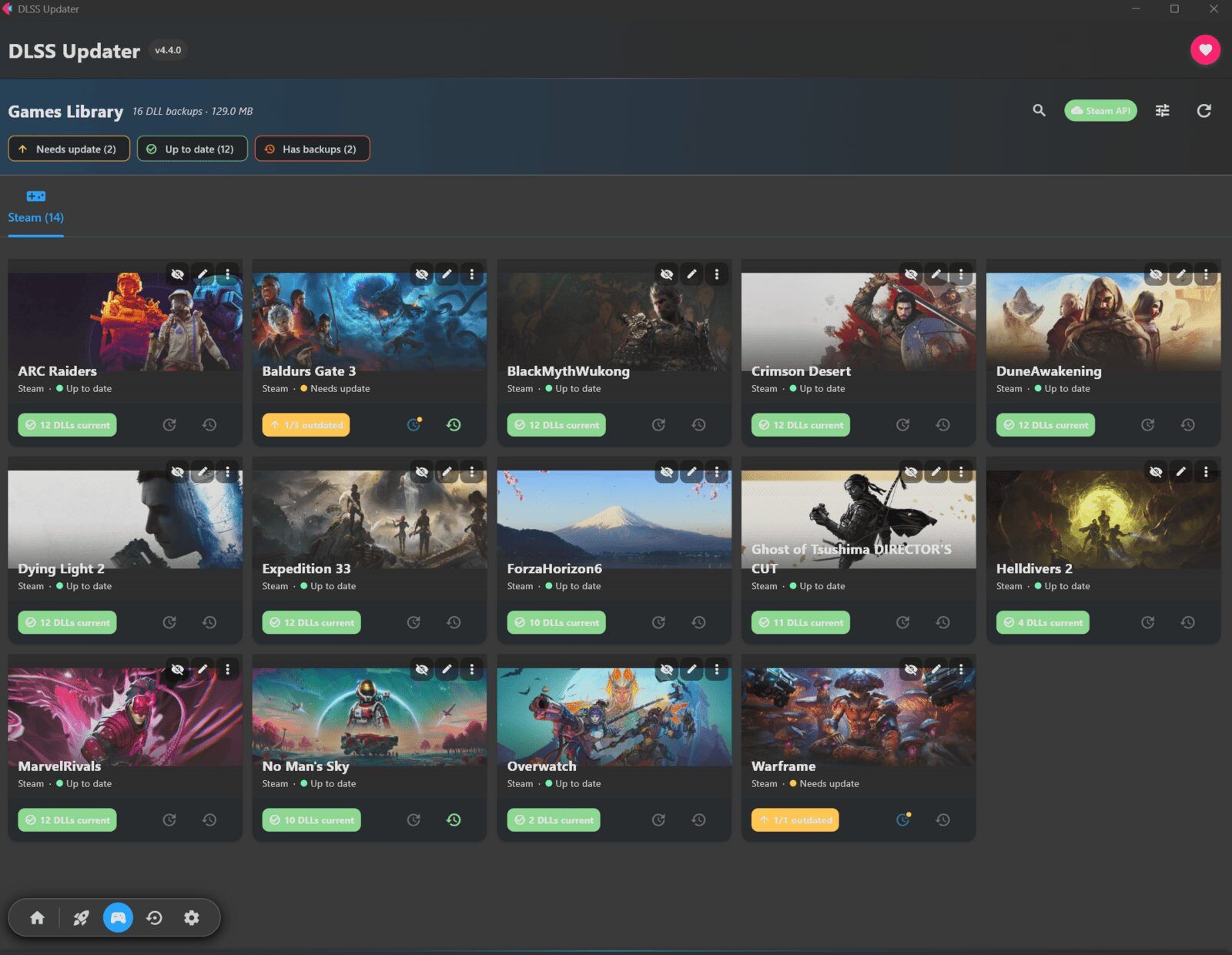
The tool scans the games installed on a system and replaces outdated DLSS, XeSS, and FSR DLLs with newer versions - including automatic backups for rollback.
Version 5.0.0 adds support for DLSS 5 Neural Rendering (requires an RTX 50 series card). A new checklist also lets you decide which technologies an update touches - for example only DLSS and Streamline, leaving XeSS and FSR alone.
Changes
- DLSS 5 Neural Rendering support. “NVIDIA released it on 3rd September alongside NBA 2K27. It runs alongside Super Resolution, Ray Reconstruction and Frame Generation rather than replacing any of them” and functions like other DLSS DLLs with toggle coverage, backups, and scanning capabilities. Requires RTX 50 series cards.
- Choose what an update touches. Bulk-update buttons now present “a checklist of technologies first. Untick XeSS and FSR and the next run replaces only the DLSS and Streamline binaries.”
- “A narrowed scope lasts one run, then reverts to your saved preferences” with options to save defaults or reset.
- Excluded technologies display visually. “DLL lists dim the rows they won’t touch, the grouped dialog marks the group ‘(updates disabled)’”
- Animation and scrolling polish. Interface improvements include cross-fading, filter chip transitions, and draggable scrollbars with easing effects.
- Right-click launcher cards for menu access matching the button option.
- Initial accessibility improvements with screen-reader support on high-traffic controls.
- Python library upgrades including anyio.
Fixes
- Technology preferences enforcement corrected to apply at file-write time rather than scan time.
- Enabling technologies no longer requires rescanning; scans find everything and choices apply during updates.
Source: GitHub