
Nearcade has been released in version 3.0.7 - shortly after, v3.0.7-bug-fixes followed with a Windows bugfix.
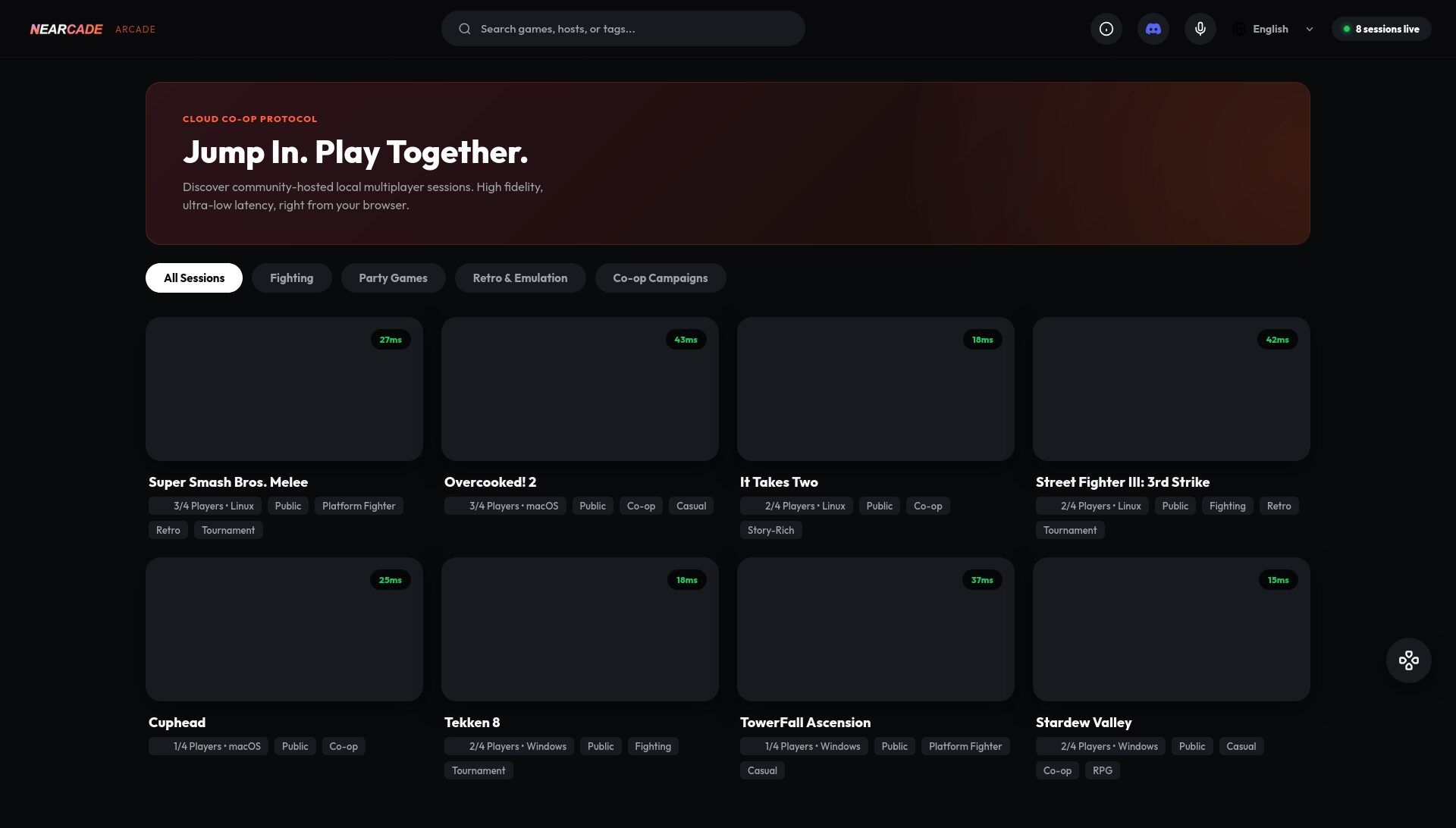
Nearcade is a remote arcade gaming platform that lets players stream and play games together over the internet - as a desktop app (Electron) and an Android app.
What’s new: Sidecapture for Android devices via ADB, NDI and Spout2 output for OBS, an OBS-style dock host UI, H.264 hardware encoding on Linux, and native ARM Linux support.
Changes in version 3.0.7:
- Native OBS Integrations & Streaming: Native NDI & Spout2 egress to broadcast gameplay directly to OBS without window capture. “Sidecapture” enables Android device screen capture via ADB with a native HTML mini-dock. GStreamer hardware acceleration with H.264 pipelines, GStreamer stability improvements including heartbeat capture-rate monitoring. FFmpeg and AMD hardware fixes for video decode and audio issues.
- Host UI Overhaul: Redesigned “OBS-style dockable layout” with drag-and-drop panel rearrangement, persistent layout saving, and complete spatial navigation support for Android TV remotes.
- Core Streaming & Video Pipelines: Windows Chromium 130 crash fix addressing video source initialization. WebCodecs enforcement for hardware decoding with HTTPS tunnel redirection, insecure context fallbacks to standard WebRTC. Linux H.264 hardware encoding support. Rich Audio option for 512kbps True Stereo Opus streams.
- Networking & OpenRemotePlay: WebCodecs integration over OpenRemotePlay tunnel fallback, ORP signaling deduplication fixing connection drops, WebSocket keep-alive ping/pong, ICE candidate buffering during reconnects.
- Input & Quality of Life: Ghost mouse and stick drift resolution, compiled Windows input sidecars eliminating Python dependencies, secure connection warnings on the login screen, local PIN polling repair, Screen WakeLock API.
- Infrastructure: ARM Linux native support with graceful Python fallback, Electron 44.4.3 upgrade, CI compilation speed improvements via Mozilla sccache.
Changes in version 3.0.7-bug-fixes:
- Windows: resolve capture timeout (“Could not start video source”).
Source: GitHub