
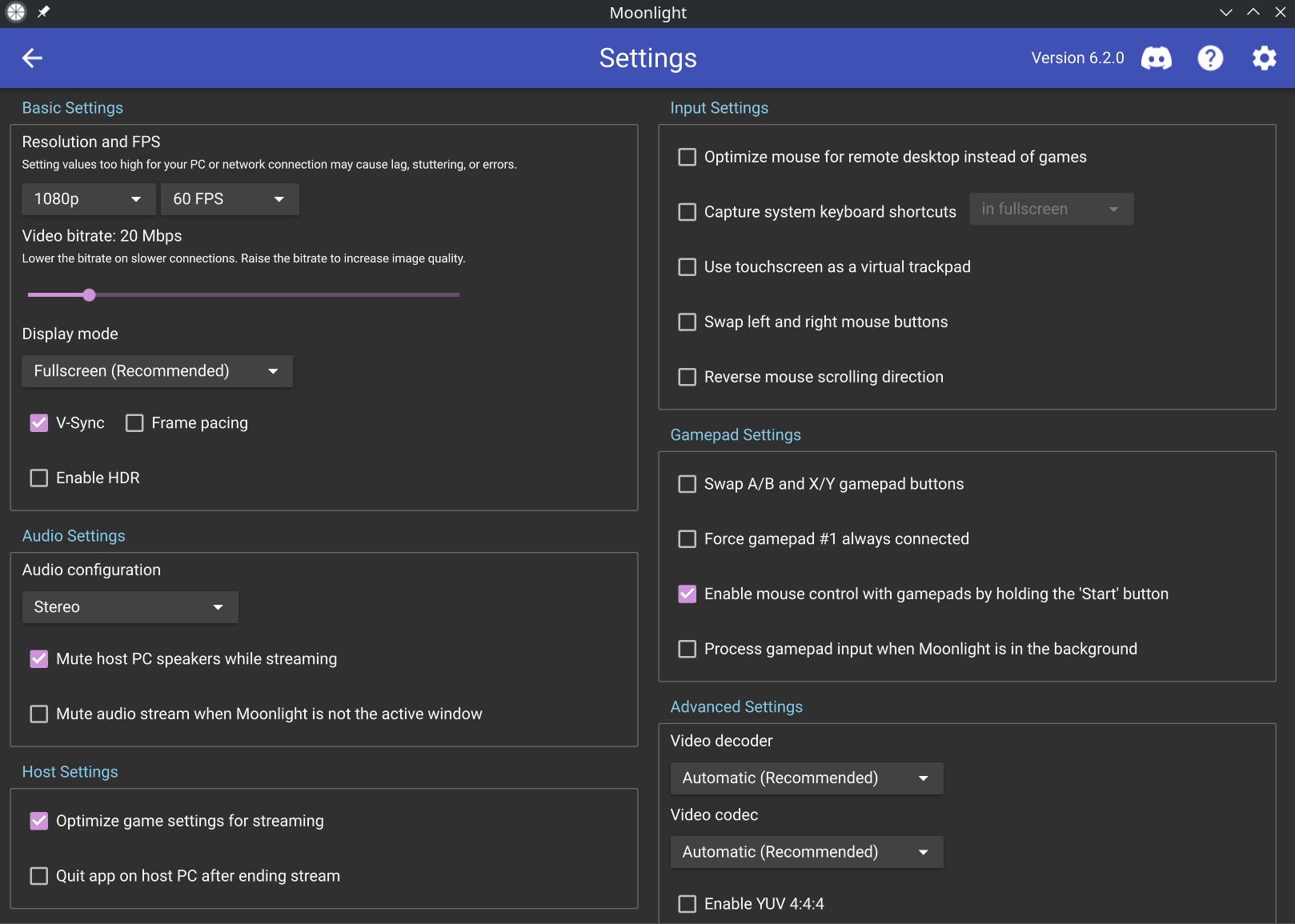
Moonlight PC, an open source client for streaming PC games, has been released in version 6.2.0.
The update brings a rewritten KMSDRM renderer with atomic modesetting, VRR and ALLM, Vulkan rendering on Linux outside desktop environments, and support for DualSense adaptive triggers. It also fixes three security vulnerabilities (CVE-2026-33546, CVE-2026-33547, CVE-2026-41210), and the default resolution for new installs is now 1080p.
Behavior Changes:
- Default macOS renderer is now libplacebo (using MoltenVK), changeable in Advanced Settings
- Most video renderers use full range color instead of limited range
- Cursor locks to video area in single display borderless windowed mode
- Cursor no longer captured by default in windowed mode; use Ctrl+Alt+Shift+Z to capture
- Game Mode re-enabled on macOS
- Metal renderer supported on discrete GPU Macs
- HDR metadata used for tonemapping on macOS
- CLI output displays in console on Windows instead of dialog
- Non-x86 Linux GPUs assumed slow by default; override with GL_IS_SLOW=0/VULKAN_IS_SLOW=0
- Gamepad motion sensors disabled on Steam Link hardware
- Default streaming resolution for new installs: 1080p (was 720p)
- Video bitrate no longer resets when adjusting resolution/frame rate after manual adjustment
Security Fixes:
- CVE-2026-33546, CVE-2026-33547, and CVE-2026-41210 have been fixed. These could allow malicious hosts to crash Moonlight during connection.
New Features:
- Ctrl+Alt+Shift+K toggles system keyboard grab
- D3D11 renderer: VRR support on Nvidia, improved performance
- Rewritten KMSDRM renderer supporting atomic modesetting, overlays, VRR, ALLM, software decoding
- Vulkan rendering on Linux outside desktop environments
- AV1 hardware decoding on macOS (M3+)
- AppImages support system libva
- DualSense adaptive triggers support
- Second trackpad gamepad passthrough
- Client identifiers for session management
- Option to disable pre-launch warnings
- YUV 4:4:4 support in DXVA2 renderer
- Raspberry Pi 2 and 3 officially supported
Bugfixes:
Numerous improvements including reduced CPU usage, faster startup, optimized rendering, fixes for various platform-specific issues, and enhanced keyboard/gamepad handling across multiple systems.
Source: GitHub