
Loadout has been released in version v0.9.1.
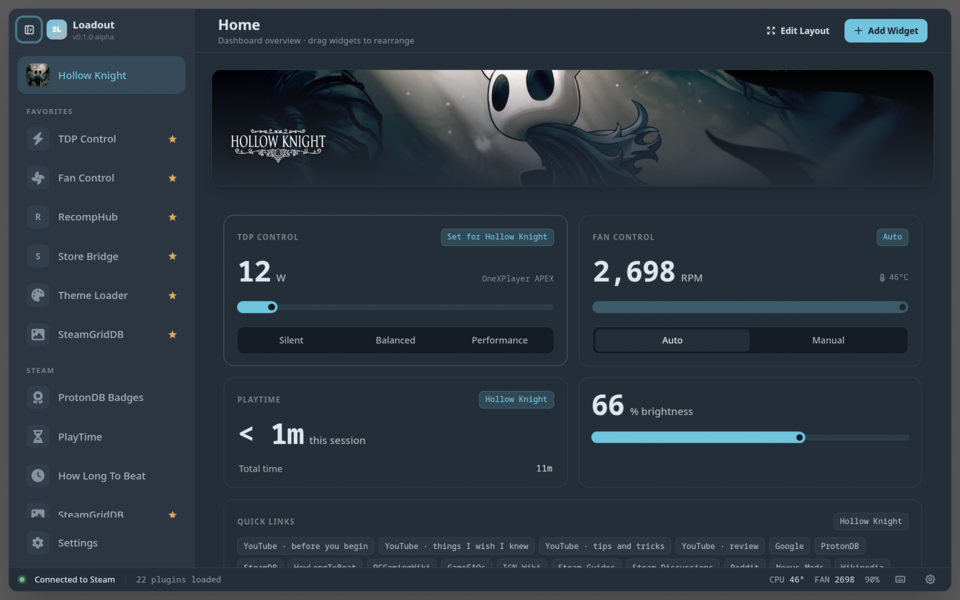
Loadout is an overlay and plugin toolkit for Linux handhelds such as the Steam Deck, letting you control TDP, fan curves, artwork and alternative store integrations directly from Gaming Mode.
The only fix in this version targets a startup issue in the theme loader: themes now apply reliably right at boot instead of occasionally needing a manual “Reapply”. Three separate faults could leave Steam unthemed after a boot - a race against the network, incomplete window detection during Steam’s startup, and Steam silently discarding theme data when it reloads its windows.
Fixed:
- Themes now apply when your device starts up, instead of sometimes needing a manual “Reapply” (#280) — Three separate faults could each leave Steam unthemed after a boot, and all three looked identical: your themes were switched on, and nothing had changed on screen. The first was a race against the network. Theme packs are written against a particular Steam build, and Loadout fetches a small translation file so a theme written months ago still finds today’s buttons and menus. That file was fetched at the same moment your themes were applied — so on a cold boot, where Steam is ready in milliseconds but Wi-Fi takes seconds, the themes were often applied before it arrived and quietly matched nothing at all. Loadout now waits for it, and if the network is slow or absent it applies your themes anyway and corrects them the moment the file lands, rather than leaving you with an unthemed Steam. The second was that Steam builds its windows in stages: Loadout looked once, at whatever existed in that instant, and never looked again — so the Big Picture window and the menus that open over it, which appear later, were often never themed at all. It now keeps looking, and picks up windows as they appear without disturbing the ones already done. The third was that Steam reloads its own windows while it starts, silently discarding anything applied to them, and Loadout had no way to notice because its connection stayed open throughout. It now checks whether your themes are genuinely still on the page rather than assuming, and restores only what is missing, in only the windows that lost it. That same check clears out styling left behind by a theme you switched off while Steam happened to be restarting — previously that could stay on screen with nothing able to remove it.
Source: GitHub