
Loadout has been released in version v0.8.1.
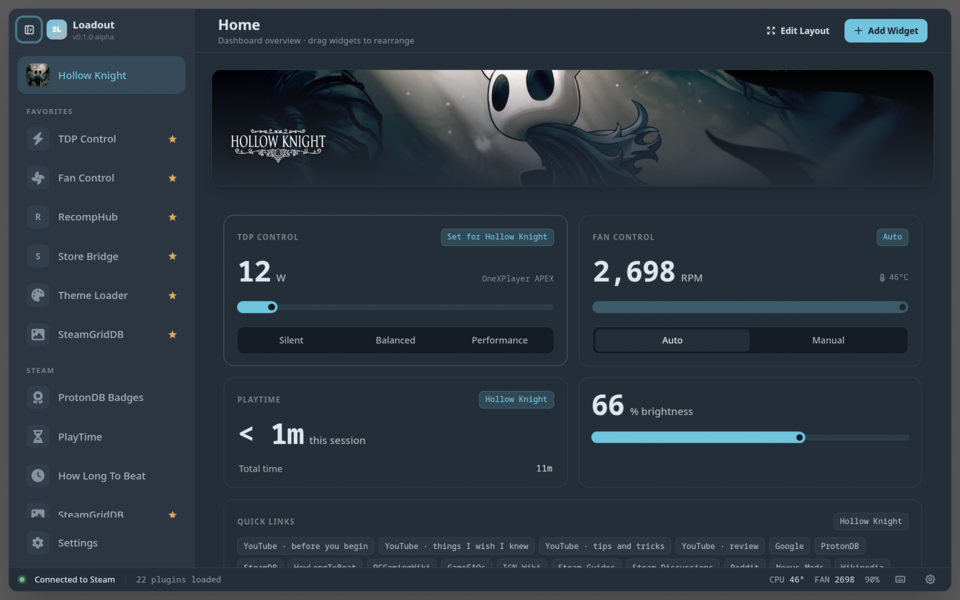
Loadout is an overlay and plugin toolkit for Linux handhelds such as the Steam Deck, letting you control TDP, fan curves, artwork and alternative store integrations directly from Gaming Mode.
This update focuses on several SteamOS fixes: after a SteamOS update, the overlay would sometimes stop opening entirely, because it bundled libraries by filename instead of by the name programs actually asked for. Fresh installs since late June could be affected the same way. On top of that, switching between Gaming and Desktop Mode used to leave the overlay dead until a reboot - that’s now fixed. If you’re already hitting startup issues, re-run the installer instead of updating from inside the app, since the fixes live in the install step.
The update also cuts idle CPU usage of the closed overlay significantly: a looping animation kept running even while the window wasn’t visible. Measured on a OneXPlayer APEX, that brought usage down from 20.3% to 3.7% of a core.
Fixed:
- The overlay starts again after a SteamOS update (#247) - A SteamOS update moved three system libraries to new major versions, and the overlay stopped opening entirely. The overlay ships its own copy of the libraries SteamOS doesn’t include, and the step that decides which ones to bundle was matching them by filename rather than by the name programs actually ask for.
- A fresh install on SteamOS no longer arrives broken (#247) - For anyone who installed since late June, one library was left as a broken shortcut pointing at nothing, and the overlay never opened at all.
- The overlay comes back when you switch between Gaming and Desktop Mode (#247) - Switching modes stopped the overlay and then never restarted it, so it stayed dead until a reboot.
- The overlay no longer burns a CPU core while it is closed (#248) - Animations now stop while the window is hidden. Measured on an OneXPlayer APEX: 20.3% of a core before, 3.7% after.
- Update confirmations no longer land while the overlay is hidden (#248)
Upgrade notes:
- If your overlay does not open on SteamOS, re-run the installer rather than updating from inside the app. Both install-time fixes above live in the step that assembles the overlay’s libraries, which only runs during installation.
Source: GitHub