
BedrockOnLinux wurde in der Version v2.3.1 veröffentlicht.
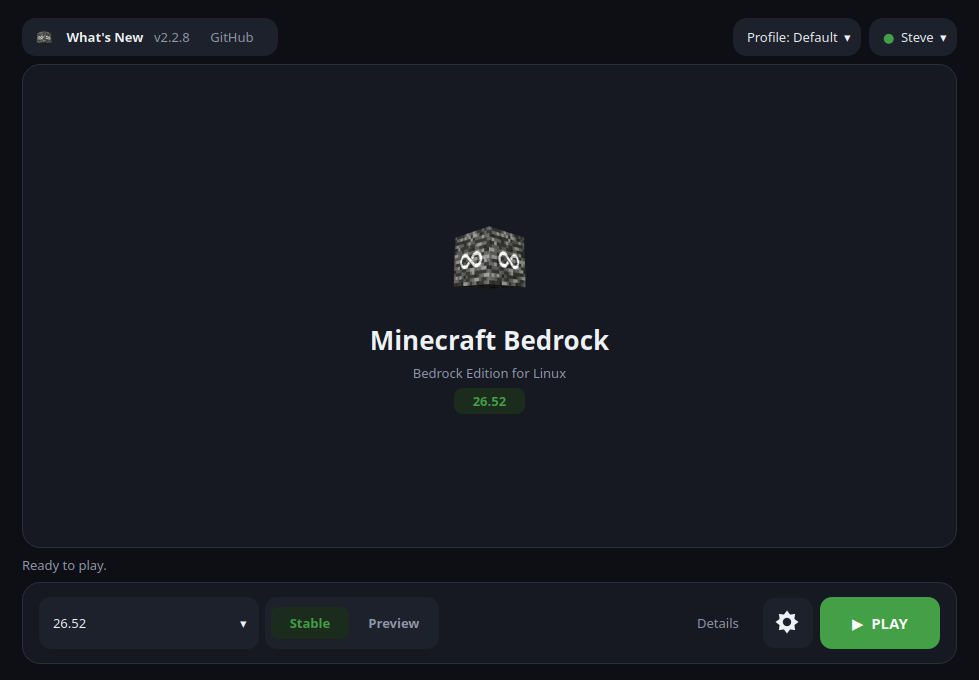
Dabei handelt es sich um einen Launcher, mit dem sich die Minecraft Bedrock Edition unter Linux installieren und spielen lässt.
Das Update behebt zufällige Standard-Skins anderer Spieler, den defekten Realms-Button im Titelbildschirm und das Problem, dass PLAY nach dem Beenden von Minecraft nicht mehr startete. Neu ist eine optionale Update-Funktion für Verknüpfungen (bedrock-on-linux play --update), außerdem erscheint Linesia SkyFaction unter den Featured Servers.
Other players keep their own skins on servers, the Realms button of the title screen works again, and closing Minecraft ends the session. A shortcut can now update Minecraft before starting it, and Linesia is listed under Featured Servers.
Added
- A shortcut can keep Minecraft up to date. With Settings ▸ General ▸ Update Minecraft when started from a shortcut on, a direct launch shortcut (or
bedrock-on-linux play) installs the newest build of the edition you play before starting it, instead of staying on the build picked in the launcher.bedrock-on-linux play --updatedoes it once. It is off by default, because a server that has not updated yet refuses a newer game, and if the update cannot be made the installed build starts as usual (#328).Fixed
- Other players keep their own skins. On servers, players and NPCs that joined after you sometimes showed up with a random default skin and kept it. The game asks Windows how much memory it is using to decide whether it can afford more skins, and Wine left that answer unwritten, so now and then the game believed it was almost out of memory. The engine (
native22) now gives the real figure. Found and fixed by @ItsClairton (#292).- The Realms button of the title screen opens the Realms page again. It answered “An error has occurred. Going back to the previous screen…”. The launcher’s own patch of the game’s interface handed the Realms pages a value of the wrong kind, and they stopped on it. The patch is rewritten, and a game patched by an earlier launcher is fixed at the next PLAY (#337).
- Closing Minecraft ends the session again. A couple of minutes into a game, its WebView2 starts
MicrosoftEdgeUpdate.exe, which never exits under Wine, and Proton waits for every Wine process before it returns. So after the game window closed, the launcher still considered Minecraft running and PLAY refused to start it again. Once the game has been closed for a few seconds, the launcher now closes that updater (and any WebView2 process left behind) itself.Changed
- Linesia SkyFaction is listed under Featured Servers, like a real partner server. It now has a tile with its icon in the Featured Servers section, and its page shows a banner, a description, the server’s address and Activities cards (SkyFaction, Warzone, Industry, The Great Sea), with the same Play button as before.
- The yellow text under the Minecraft logo is about Linux now. The title screen picks one of the launcher’s own splash lines (“I use Arch, btw!”, “Wine not?”, “sudo make me a sandwich!”, …) instead of Mojang’s. The original list is kept next to it as
splashes.json.bol-orig.Build provenance
- Managed engine: wow64-archs-native22
- WineGDK source: 75637b674e1f191e65753663c4c0c32bea05ba6e
- vkd3d-proton: 3.0.1-nv-dgc
- OpenSSL-XCurl set: 504bb166e4e7
Quelle: GitHub