
LVNM (Linux VN Manager) wurde in der Version v0.6.1 veröffentlicht.
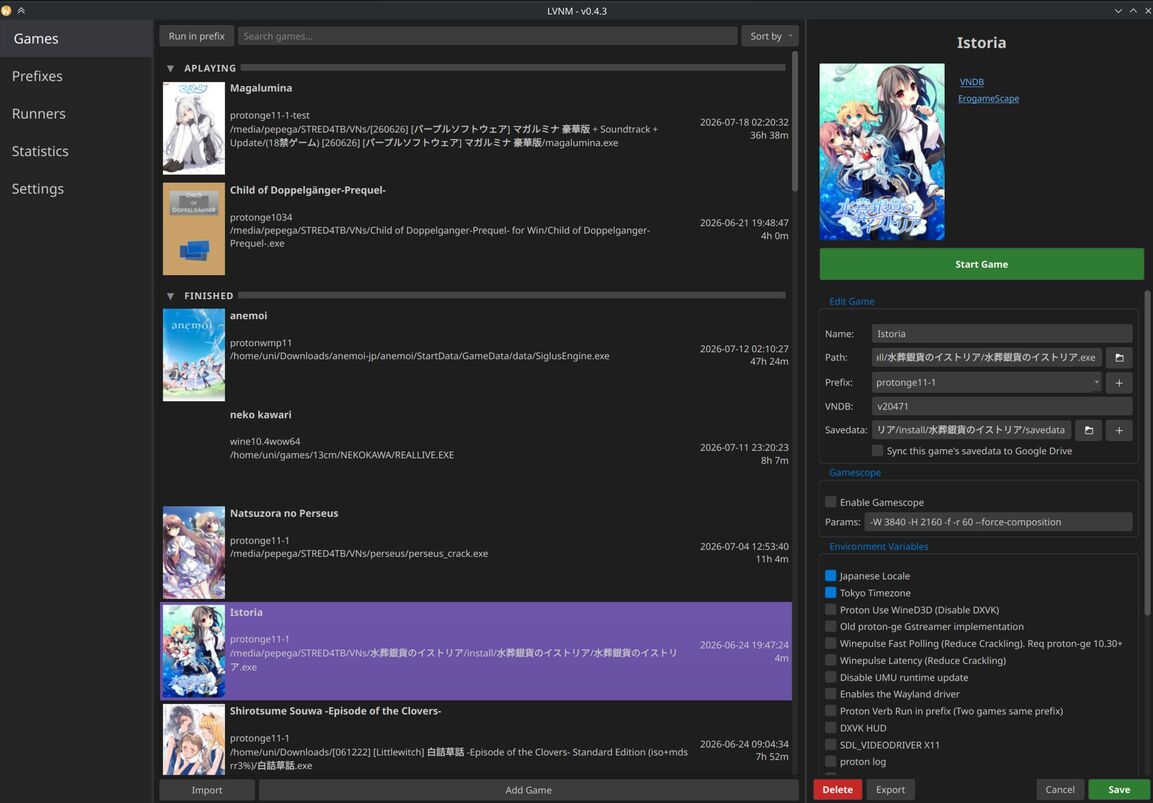
LVNM ist ein Tool zur Verwaltung und zum Start von Visual Novels unter Linux mit erweiterten Kompatibilitätsfunktionen.
Die Version bringt eine DPI-Option für Wine-Tools auf Monitoren über 1080p, Sortierung und Filter für Prefix- und Runner-Tabs sowie Verbesserungen bei der PC-98-Emulation. Außerdem lässt sich die Spielzeiterfassung nun pro Spiel überschreiben.
Display and Wine
- New setting to temporarily raise DPI when running Wine tools like regedit or winecfg on monitors above 1080p
- Fixed monitor detection under Flatpak, mainly for KDE (other desktop environments need testing)
Launching and runtime
- Small popup when umu downloads the Steam runtime after a game launches
- Gamescope is disabled automatically if it is no longer installed
- Emulators get native config paths, whether LVNM runs as Flatpak or not
Interface and usability
- Prefix and runner tabs gained sorting, filtering and right-click context menus
- Statistics tab has a new section for editing log files inside the app
- Some settings moved into sub-tabs to reduce clutter
- Sidebar prefix dropdown no longer changes when scrolling the sidebar, autosave option added
- Environment variable dialog supports drag-to-reorder, a search filter and auto-scrolls to new entries
Localization
- Japanese translation configuration added, translation itself still pending
PC-98 emulation
- RetroArch SDL enabled in the Flatpak config for controller support, virtual keyboard available
- All configuration is saved to a profiles folder for tracking
- Improved multi-disk naming detection
Advanced settings
- Image section moved into its own dialog
- Advanced settings and image dialog accessible from the sidebar or a game’s right-click menu
- Time tracking can now be overridden per game
Quelle: GitHub