
LVNM (Linux VN Manager) has been released in version v0.6.1.
LVNM is a tool for managing and launching visual novels on Linux with enhanced compatibility features.
This version brings a DPI option for Wine tools on monitors above 1080p, sorting and filtering for prefix and runner tabs, and improvements to PC-98 emulation. Time tracking can now also be overridden per game.
Display and Wine
- New setting to temporarily raise DPI when running Wine tools like regedit or winecfg on monitors above 1080p
- Fixed monitor detection under Flatpak, mainly for KDE (other desktop environments need testing)
Launching and runtime
- Small popup when umu downloads the Steam runtime after a game launches
- Gamescope is disabled automatically if it is no longer installed
- Emulators get native config paths, whether LVNM runs as Flatpak or not
Interface and usability
- Prefix and runner tabs gained sorting, filtering and right-click context menus
- Statistics tab has a new section for editing log files inside the app
- Some settings moved into sub-tabs to reduce clutter
- Sidebar prefix dropdown no longer changes when scrolling the sidebar, autosave option added
- Environment variable dialog supports drag-to-reorder, a search filter and auto-scrolls to new entries
Localization
- Japanese translation configuration added, translation itself still pending
PC-98 emulation
- RetroArch SDL enabled in the Flatpak config for controller support, virtual keyboard available
- All configuration is saved to a profiles folder for tracking
- Improved multi-disk naming detection
Advanced settings
- Image section moved into its own dialog
- Advanced settings and image dialog accessible from the sidebar or a game’s right-click menu
- Time tracking can now be overridden per game
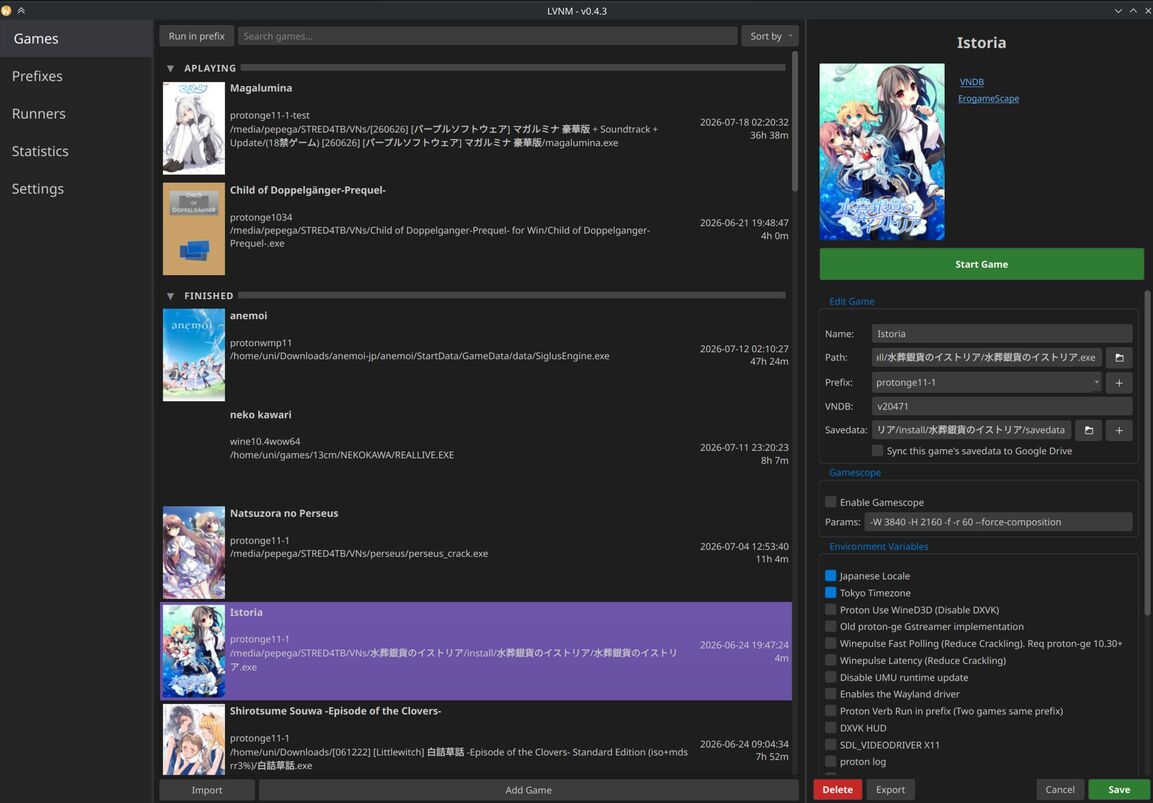
Source: GitHub