
Der Arctis Sound Manager wurde in Version 1.4.7 veröffentlicht - kurz darauf folgte Version 1.4.8 mit neuen Sonar-Presets.
Das Tool verwaltet unter Linux die Audio-Einstellungen von SteelSeries-Arctis-Headsets, etwa Mikrofon-EQ, Filter-Ketten und die Bildschirmanzeige des GameDAC.
Version 1.4.7 bringt vor allem Fehlerbehebungen bei PipeWire-Timing und Gerätemanagement. Version 1.4.8 legt mit sieben neuen Sonar-Presets und einer Ursprungs-Kennzeichnung für Presets nach.
Änderungen in Version 1.4.7:
Changed
- Recording behavior modified: the application no longer auto-starts recording when opened. The clip autostart feature remains available as a checkbox option.
Fixed
- Microphone EQ linking issue: fixed delayed device enumeration where the microphone’s capture node wasn’t properly linking to its equalizer, especially when PipeWire was slow to respond.
- Service file management: addressed the application overwriting its own outdated service file. The system now preserves user-edited units and only manages recognized copies.
- Audio channel metering glitch: resolved an issue where filter configurations declared in multiple locations caused duplicate node loading, resulting in ambiguous routing and phantom meter movement.
- Bug report clarity: improved diagnostic reports to display duplicate node names and PipeWire configuration conflicts.
- GameDAC screen display: fixed asynchronous screen updates on the wired GameDAC device that caused visible scrolling delays between display halves.
- Qt version error messaging: corrected confusing error messages about missing Qt when the actual issue was a version mismatch between Qt and PySide6.
Änderungen in Version 1.4.8:
Added
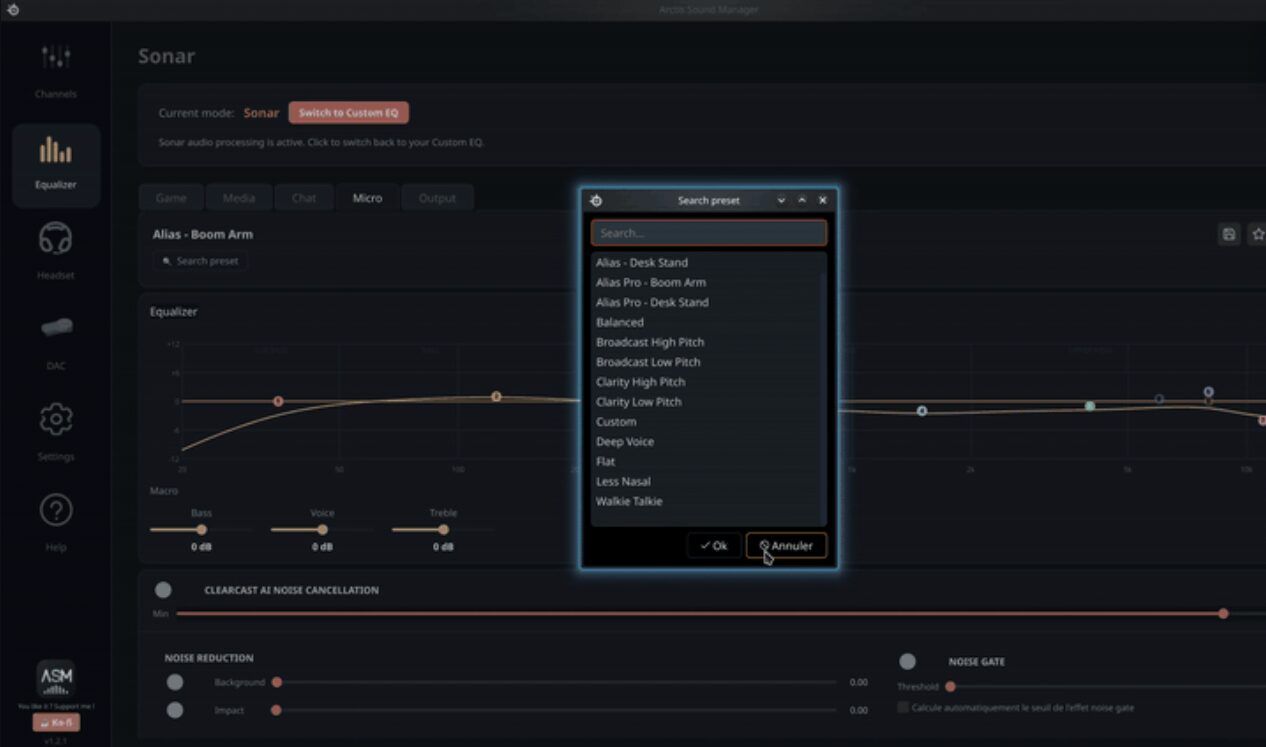
- Seven new Sonar presets from SteelSeries GG 117.0.0, including titles like “Assassin’s Creed Black Flag Resynced” and “Halo: Campaign Evolved”.
- Launch notification feature that names what was added and which SteelSeries GG release it came from.
- Preset origin tracking system.
Changed
- Presets now display their source origin with color coding: default text for SteelSeries presets, accent color for user-created presets, teal for community imports.
- User-created presets take priority and cannot be overwritten by newly downloaded versions.
- Expanded rename and delete capabilities to include community imports.
Quelle: GitHub