
Version v3.4.10 of the free crosshair overlay CrossOver has been released - v3.4.11 and v3.4.12 followed shortly after with further changes.
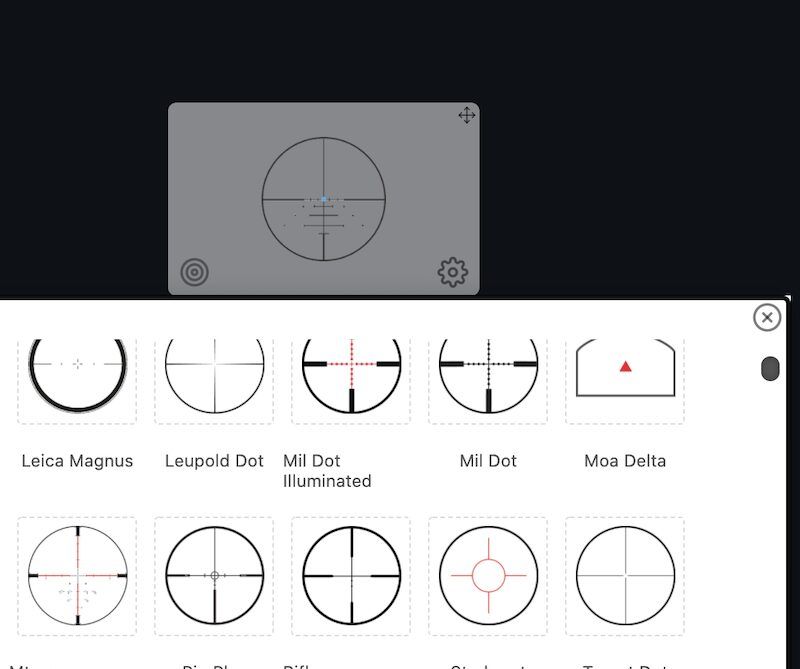
Version 3.4.10 fixes startup problems: CrossOver now starts locked again if you left it locked. The crosshair presets introduced in 3.4.9 have been removed again, already saved presets stay on disk. Version 3.4.11 turns off the first-run tips, as they overlapped the window’s buttons. Version 3.4.12 removes the first-run tips and the review prompt entirely and opens news about new versions in its own small window beside the crosshair instead of inside it.
Changes in version 3.4.10:
A small release that fixes startup and takes presets back out.
Fixed
- CrossOver now starts locked if you left it locked. A launch timing bug had skipped restoring the lock, so the crosshair came back unlocked.
- First-time setup tips appear on new installs. The same bug had hidden them.
Removed
- Crosshair presets, which shipped in 3.4.9 without enough testing. Presets you already saved are still on your disk, and nothing was deleted.
Under the hood
- Update checks now examine your system before offering a new version, so a computer shouldn’t be offered an update it can’t run.
Changes in version 3.4.11:
Fixed
- The first-run tips are turned off. They overlapped the window’s buttons, and they stay disabled until they are redesigned.
Changes in version 3.4.12:
Changed
- News about a new version now opens in its own small window beside the crosshair, never inside it.
Removed
- The first-run tips and the review prompt.
Source: GitHub