
The free crosshair overlay CrossOver has received version v3.4.9.
New are crosshair presets with hotkey switching, three hide key modes and a switch for global hotkeys. Version 3.4.8 never shipped, so its changes are included here. On Linux there are fixes for .pacman (Arch), .deb (minimal installs) and the Snap package.
New
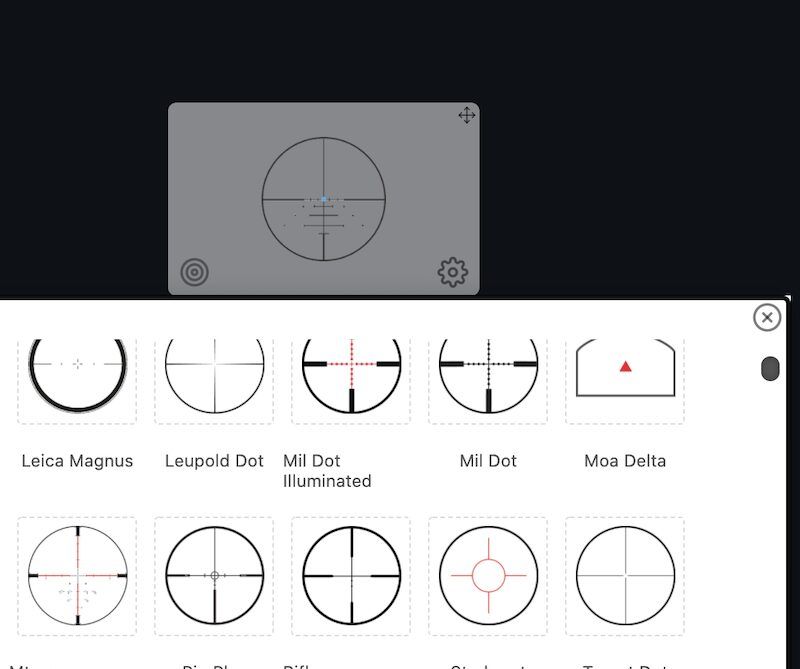
- Crosshair presets: Save a tuned crosshair under a name and switch between saved ones with a hotkey.
- Keyboard hide key modes: Hold (still the default), toggle, or press, which hides until your next aim.
- Global hotkey switch: One setting in Keybinds disables all global hotkeys. Lock and Reset keep working.
Fixed
- macOS: The crosshair draws over fullscreen games again.
- Follow Mouse: Keeps tracking while a mouse button is held.
- Hide on ADS: Also hides duplicate crosshairs.
- Show on ADS: Works with Resize on ADS enabled.
- Duplicate crosshairs: Respond to the hide hotkey, Hide on keypress, Resize on ADS, and tilt.
- Wayland: The app now explains why global hotkeys can’t fire. Current Electron builds restart on X11, where hotkeys work. Official builds still use Electron 14, so users must relaunch manually for now.
- Settings note: Corrected to say the features work on Apple Silicon. The real blockers are macOS Accessibility permission and games with kernel-level anti-cheat.
Linux
- Arch (.pacman): Installs on current Arch. The previous package depended on
http-parser, which Arch dropped.- Debian/Ubuntu (.deb): Starts on minimal installs. It now includes the sound and graphics libraries Electron needs.
- Snap Store: Hide on ADS, Follow Mouse, and the hide keys now work. The snap was missing the libraries for mouse and keyboard hooks.
Source: GitHub