
Pulsar Mouse Linux, an unofficial configuration tool for Pulsar gaming mice on Linux, has been released in version v0.1.22.
The update follows version 0.1.21 and brings six changes for the Fusion2 line. The forward and backward buttons were swapped, the tool now reads the firmware version, profile switching works, and the X3 offers six profiles and DPI up to 32000. Dropped reads are also resent, and a dongle with no link now aborts immediately.
Six changes on the Fusion2 line - the X2A, X2H, X2 Wired, Xlite Wired, Xlite v4, X3 and the 1K dongle - found and measured by @f-o-o-g-s on a Pulsar X3, with the X2A side confirmed here.
“Forward” and “backward” sent each other’s button
hid.MOUSE_ACTIONShad the two HID mouse codes the wrong way round, so a side button bound to “forward” went back, and one bound to “backward” went forward. That affected every driver that passes those codes through, not one model. Code 4 isBTN_SIDE(back) and code 5 isBTN_EXTRA(forward).The thumb-button labels of the X2A, X2H, Xlite v4, X3, Feinmann 8K and the Nordic family were wrong in the same direction. Profiles exported before this fix still restore what they saved. Exports now carry
version: 2, and a version-1 file has the two action names swapped back when it is imported into a driver that was affected.The firmware version
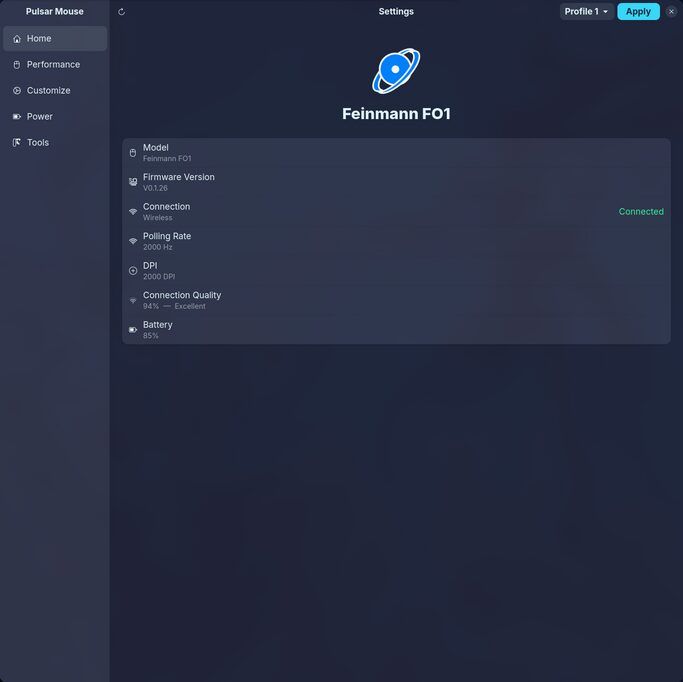
get_firmware_version()answered “unknown” on all seven Fusion2 drivers; it now reads the mouse’s own version, shown by the CLI and in the GUI’s model tooltip. Through the 1K dongle it is the mouse’s firmware rather than the dongle’s.Profile switching on the Fusion2 family
get_active_profile()/set_active_profile()for the family. The GUI’s profile selector and the CLI’s--profilenow follow and set the profile the mouse is actually using on those drivers.The X3’s six profiles and its DPI range
The X3 lists six profiles and switches to each of them, where the driver offered five. Its DPI goes to 32000 in steps of 10, not 26000 in steps of 100.
A read the mouse dropped is sent again
In the first moments after a Fusion2 mouse’s dongle comes out and its cable goes in, the mouse drops the command. Reads are now resent, up to six times about 0.26 s apart. Reads only: a write is accepted at
02and resending one the mouse did take is a different risk, not measured.A dongle that says it has no link stops asking
With the mouse asleep, or not back on the dongle yet, the 1K dongle answers a request with
05and the request is never answered. The request now ends at that poll, for writes as well as reads, with a message that names no link rather than a timeout. A GUI page of two dozen reads on a sleeping mouse takes 28 ms instead of a second each.Found and measured by @f-o-o-g-s on a Pulsar X3, on its cable and behind the 1K dongle, with the X2A measurements here.
Source: GitHub