
3D Controller Overlay + (3dco+ for short) has been released in version v1.2.0.
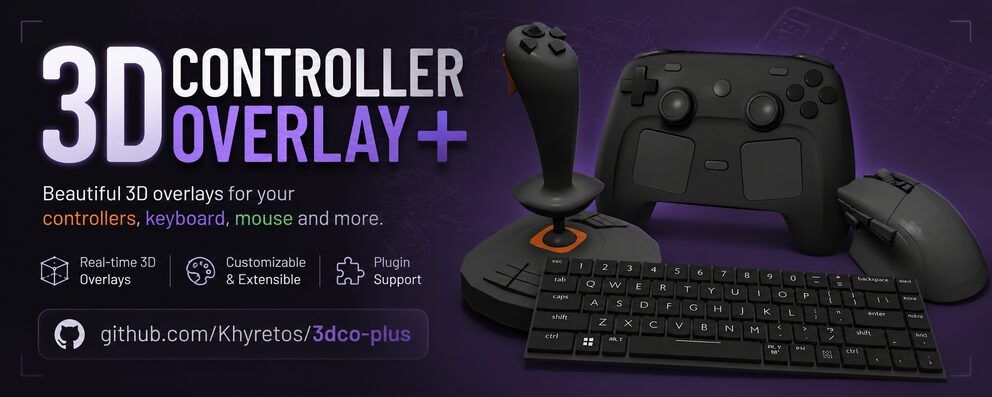
3dco+ is an overlay tool that shows controller, keyboard, and mouse input in real time as a customizable 3D model - handy for streamers and content creators who want to display their inputs without a handcam. Following version 1.1.1, 1.2.0 adds three major new features instead of just fixes.
New is a dedicated Input History window that shows recent presses fighting-game style, including real detection of input sequences like quarter-circles or dragon punches. Also added: freely mappable Custom Glyph Mappings for your own icon sets, and real per-pixel transparency on Windows via a companion-window mechanism.
🎮 3dco+ v1.2.0
✨ Highlights
🕹️ Input History window. A separate, always-on-top overlay per controller/keyboard/mouse window, showing recent presses the way fighting games do — Raw text, ms/frame-annotated Notation, or a fully data-driven set of icon packs (Xbox, PlayStation, Switch, Steam Deck, Keyboard & Mouse, or ones you build yourself). Includes real compound-motion detection (quarter-circles, dragon punches, 360s), hold detection, gyro flick capture, per-trigger analog depth, merge-simultaneous-presses, and a persistent log file.
🎨 Custom Glyph Mappings. Build your own icon set the same way you’d map a custom controller — pick or upload an image per input, optionally fall back to another style for anything you don’t define. Its own resizable window now, not embedded in Settings.
🪟 Real per-pixel transparency on Windows. Controller windows and Input History both now support true window transparency via a companion-window mechanism, working around a GLFW/Win32 limitation.
🌈 Theme. A new Settings section for the app’s accent colors, with a one-click reset.
🚀 Added
- 🕹️ Input History window with Raw / Fighting-Game Notation / icon-pack display styles, per-window capture settings, and a persistent log file
- 🎨 Custom Glyph Mappings editor, now its own resizable, properly-decorated window
- 🌀 Real compound-motion detection (236, 623, 360, etc.) with a configurable, auto-scaling timeout
- ⏱️ Hold detection for buttons, D-Pad, and analog sticks, shown live and recorded with duration on release
- 🌈 Theme customization (primary/light/dark accent colors)
- 🔄 Texture Flip X/Y controls, alongside existing Offset/Scale/Rotation
- ⚠️ UV mapping diagnostics: loading a mesh with no meaningful UV variation now warns explicitly
🐛 Fixed
- 🎯 Touchpoint recenter now actually returns to the touchpad’s true center after the idle timeout
- 🪟 Log window opening with no title bar/borders on Windows
- 💾 Texture assignments weren’t being saved — worked in the moment, lost on model reload or app restart
- 📷 Camera pan (Pan X/Y) wasn’t saved and reset to center on every reload
- 🎚️ Capturing an input for a Dual Highlight axis always produced a one-directional binding
- 📜 The main Settings window’s scrollbar not appearing when content was taller than the window
- 🖱️ Scroll wheel highlight now behaves like an ordinary button press (instant on/off) instead of a ~300ms fade
📌 Notes
Bundled icon packs are the CC0-licensed Xelu Free Controller & Key Prompts pack.
Source: GitHub