
3D Controller Overlay + (3dco+ for short) has been released in version v1.1.0.
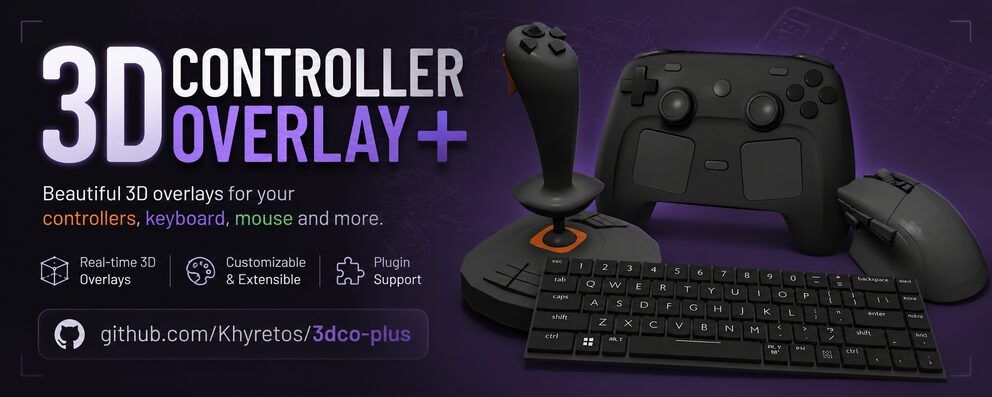
3dco+ is an overlay tool that shows controller, keyboard, and mouse input in real time as a customizable 3D model - handy for streamers and content creators who want to display their inputs without a handcam. It arrives about a week after version 1.0.0.
New in this release: a network mode that sends the controller state over UDP or TCP to a second instance (for example on a streaming PC or Steam Deck), new shader effects (Galaxy, a reworked Black Hole, custom ShaderToy shaders), taskbar/tray icons on all three platforms, and a much smaller Steam Controller 2026 model.
3D Controller Overlay+ v1.1.0
✨ New features
- Network functionality – send a window’s live state (buttons, axes, touch) to another running instance of the app over UDP or TCP. Render your overlay on a second PC, a Steam Deck, or any machine on your network instead of the one generating input.
- Custom shader effects – Pixel Art, Cel-shaded/Toon, Aurora, Infernal, Rainbow, a brand-new Galaxy shader, and a completely reworked Black Hole effect. Paste in your own ShaderToy-style shaders too, with an Add Resource button for assigning channel textures (or let unused channels auto-fill with generated noise).
- Taskbar/tray icon on all three platforms – shows the app’s own icon now instead of a generic placeholder, and macOS finally has a tray icon at all.
- New, much smaller Steam Controller 2026 model.
- “Enable Debug Mode” setting – verbose diagnostic logging is now opt-in instead of always-on, fixing a small load-time delay on models with lots of parts.
- Per-mesh visibility now saves with the model instead of resetting every time you reopen it.
🛠️ Fixes & improvements
- Fixed transparent-background compositing on AMD and NVIDIA.
- Fixed input lag/stuttering under click-through while another app has foreground focus.
- The log window is now its own always-on-top window (previously it could get sent behind the settings window), and log lines are now copyable.
- Scroll wheel bindings now highlight like a normal button instead of the old stick-style behavior.
- Fixed OBS/other capture tools showing a blank
nullwindow title on Windows with Transparent Background enabled.- Windows builds no longer open a console window alongside the app.
Source: GitHub