
Adventure Game Studio, die freie Engine und der Editor zum Erstellen von Point-and-Click-Adventures, wurde in der stabilen Version 3.6.3 (v3.6.3.17) veröffentlicht.
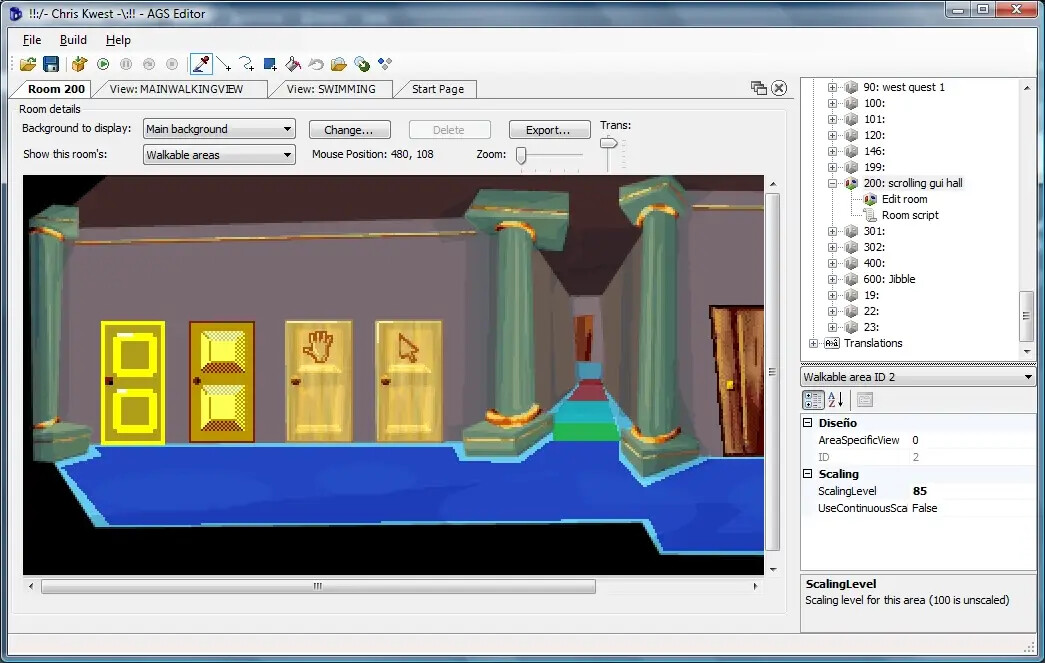
Das Update erhöht Limits wie Audio-Kanäle (32) und Raum-Hintergründe (256) und bringt viele neue Editor-Funktionen, etwa für GUI-Eigenschaften, Schriftarten, Custom Properties und Übersetzungen.
Common:
- Removed limit of Dialog’s options (was 30)
- Increased number of Audio Channels to 32 (was 16)
- Increased number of Room Backgrounds to 256 per room (was 5)
- Inventory Item’s hotspot now treats 0,0 value exactly, and not as “centered in graphic”
- Rooms now save their background images using max Deflate compression
Editor (selection):
- Added main menu commands for opening game’s save folder and shared data folder
- New General Settings: “Text language”, “Prioritize this turning direction”, “Display single dialog option”, “GUI common controls handle only left mouse button”, “TextBoxes claim key and text input events”, “Custom error text”, “Translate Text Parser”
- New translation settings: include/exclude script texts by prefix, exclude script function calls
- In Default Setup added “Compress saves” option, enabled by default
- Added new properties to GUI Controls, Buttons, Sliders, Labels, ListBoxes, TextBoxes, Characters and Room Objects (colors, borders, padding, blocking rectangle, transparency and more)
- Fonts: added CharacterSpacing and “Logical height” properties
- Redesigned Font Preview panel with glyph table and multiline text preview
- Project Explorer: “Go to X” by numeric ID, Copy/Paste for Characters, Cursors, Dialogs, GUIs, InventoryItems and Views
- Custom Properties node, schema import/export, renaming of properties in the schema
- GUI Editor: resize controls by dragging any side, set ZOrder directly
- View Editor: copy, cut and paste frames, reverse frame ranges and loops
- Translation compiler: sections, annotations, “Language”, “Font override” and “AutoTranslateParserSaid” settings
- Context menus can be opened with the “Menu” key or Shift+F10
Die vollständige Liste steht in der Changes.txt.
Quelle: GitHub