
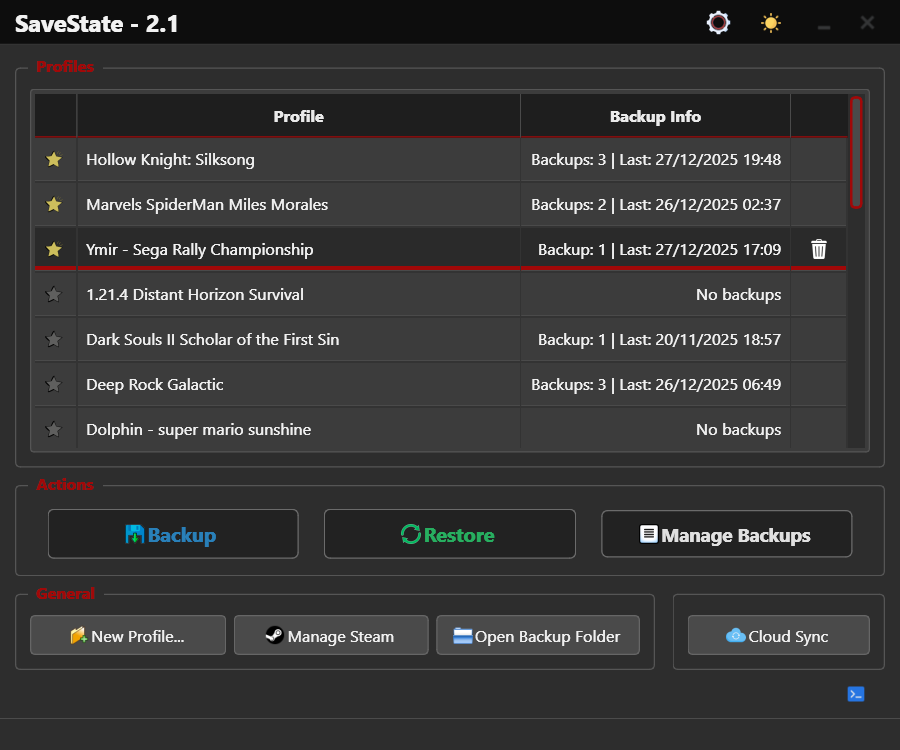
SaveState wurde in der Version v3.2 “The Smarter Search Update” veröffentlicht.
Das Tool ist eine benutzerfreundliche GUI-Anwendung für Windows und Linux, mit der sich Spielstände sichern und wiederherstellen lassen.
Das kleinere Update verbessert die automatische Erkennung von Speicherorten deutlich, bringt Unterstützung für den KytyPS5-Emulator und eine neue Option, SaveState beim Systemstart minimiert im Tray zu starten (unter Linux per XDG-Autostart, nicht für Flatpak und Snap).
Smarter Automatic Save Discovery: The save-path detection engine is now considerably more accurate, especially with indie games, multi-language releases, Unreal Engine titles, and unusual installation layouts. Generic folders such as
Games,Video, launcher directories, and common launcher executables are no longer mistaken for save locations. Save folders inside Unreal Engine publisher directories shared by several games are only accepted when they clearly belong to the selected game. Title variants, language and region suffixes, version numbers, save folder suffixes and the actual installation folder name are now handled more consistently, and container folders such as Steam or Desktop are no longer scanned as if they were game installations.KytyPS5 Emulator Support: SaveState now supports KytyPS5. Both
kyty_emulator.exeand the KytyPS5launcher.exeare recognized when dragged into SaveState. Profiles are discovered from KytyPS5’s_SaveDatafolder, and SaveState reads the game folders configured inKyty.iniand extracts titles from each game’sparam.json. When a game is not installed, save folder names are cleaned up before being used, with the title ID as a last resort.Start With the System: SaveState can now start automatically when the system boots, hidden in the system tray and ready to run scheduled and automatic backups in the background. Windows: new Start with Windows (minimized to tray) option. Linux: new Start on login (minimized to tray) option creating a standard XDG autostart entry. Disabled by default. The option is currently not available for Flatpak and Snap installations.
Quelle: GitHub