
3D Controller Overlay + (kurz 3dco+) wurde in der Version v1.3.0 veröffentlicht.
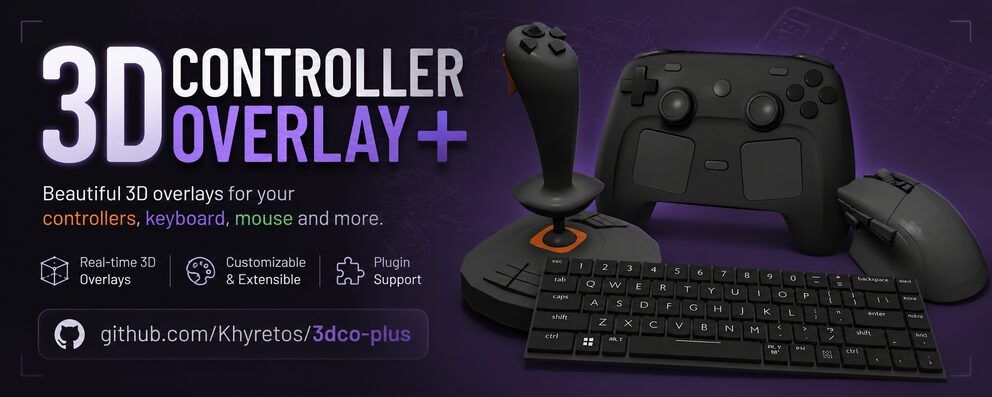
3dco+ ist ein Overlay-Tool, das Eingaben von Controllern, Tastatur und Maus in Echtzeit als individuelles 3D-Modell darstellt - nützlich für Streamer und Content-Creator, die ihre Eingaben ohne Handkamera zeigen wollen. Nach Version 1.2.0 gibt es nun PBR-artige Texture Maps (Normal, Metallic, Roughness und AO), globale Texturen und Materialien auf Modellebene sowie ein Rechtsklick-Menü in den Controller-Fenstern.
Außerdem lassen sich die Tastenkürzel für Click-Through und Drag to Move jetzt frei belegen, Modelle bekommen ein Beschreibungsfeld für Credits und Notizen, und beim Beenden mit ungespeicherten Änderungen erscheint eine Bestätigungsabfrage.
3D Controller Overlay+ v1.3.0
✨ New features
- PBR-style texture maps – alongside the existing Diffuse/Specular/Emissive, a texture can now be a Normal Map (surface detail — bumps, grain, panel lines — without extra geometry), Metallic Map, Roughness Map, or AO Map. Not a full physically-based renderer bolted on, but a practical approximation layered onto the existing lighting model.
- Global textures & materials – set a texture (any type above) or a material (ambient/diffuse/specular/shininess/color) once at the model level instead of on every part. A part with its own texture of a given type, or its own custom material, always overrides the global one — global is purely a fallback for parts that don’t define their own.
- Right-click menu on controller windows – right-click anywhere on the model for Reset View, Enable/Disable Click-Through, and Enable/Disable Drag to Move, without digging into Settings.
- Fully configurable shortcuts – Click-Through and Drag-to-Move can each be bound to any keyboard key now, not a fixed short list. A single Enable Shortcut Monitoring toggle (off by default) turns this on for every window, on every platform.
- Model Description field – alongside the existing Source URL, for crediting a model’s contributors, leaving setup notes, or anything else worth keeping with it. Saves and loads with the model itself.
- Unsaved-changes confirmation – pressing Escape, closing a controller window, or using the tray icon’s Quit now checks for pending changes first and offers Quit Anyway / Cancel, instead of silently discarding an accidental close.
⚠️ Upgrading
- Existing models keep working as-is — a model saved before this release simply has no global texture or global material set, the same as any part that’s never had one customized.
- Back up your custom models and
settings.jsonfirst, as general precaution with any update.Full details in the README.md and INSTRUCTIONS.md
Quelle: GitHub