
3D Controller Overlay + (kurz 3dco+) wurde in der Version v1.1.1 veröffentlicht.
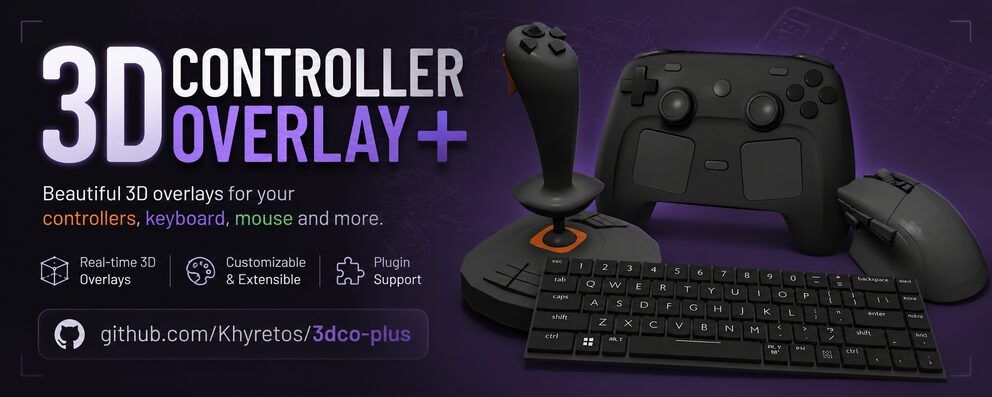
3dco+ ist ein Overlay-Tool, das Eingaben von Controllern, Tastatur und Maus in Echtzeit als individuelles 3D-Modell darstellt - nützlich für Streamer und Content-Creator, die ihre Eingaben ohne Handkamera zeigen wollen. Die Version folgt zwei Tage auf Version 1.1.0 und bringt vor allem Bugfixes und Politur.
Neu ist die Smooth Travel Animation: Tasten, Bumper und Paddles gleiten nun sanft in den gedrückten Zustand, statt sofort umzuspringen. Die Dauer ist pro Mesh einstellbar und lässt sich per Copy to All Buttons auf den ganzen Controller übertragen. Dazu behoben: ein Konflikt zwischen Popup und Travel bei Bumpern/Paddles sowie ein Umrechnungsfehler bei den Yaw/Pitch/Roll-Slidern der Touch Area.
3D Controller Overlay+ v1.1.1
A focused bugfix + polish release on top of 1.1.0.
✨ New
- Smooth Travel Animation – buttons, bumpers, and paddles can now ease into a press instead of snapping instantly. Enable it per mesh under Movement & Animation, set a duration, and use the new Copy to All Buttons / Unassign from All Buttons buttons to apply it across the whole controller in one click. Not available on sticks, triggers, or touchpads/touchpoints by design — those track your input’s live physical position every frame, so easing them would just look like lag instead of a nice animation.
🛠️ Fixes
- Fixed Popup and Travel silently disabling each other. A mesh flagged as a bumper/paddle with “Popup Bumpers”/“Popup Paddles” enabled would stop responding to its press/travel animation entirely — the two now work together as expected.
- Fixed the Touch Area’s Yaw/Pitch/Roll sliders only rotating a small fraction of the angle actually shown (a degrees/radians conversion bug). They now match the displayed value exactly.
🎨 Polish
- Settings window: collapsible section headers (“Position,” “Rotation,” “Shader Effect,” etc.) now have their own darker background tint, so the header reads as a distinct title bar instead of blending into the background above it.
No breaking changes — existing
settings.json/info.jsonfiles continue to work as-is.
Quelle: GitHub