
Vermouth has been released in version v2.8.0.
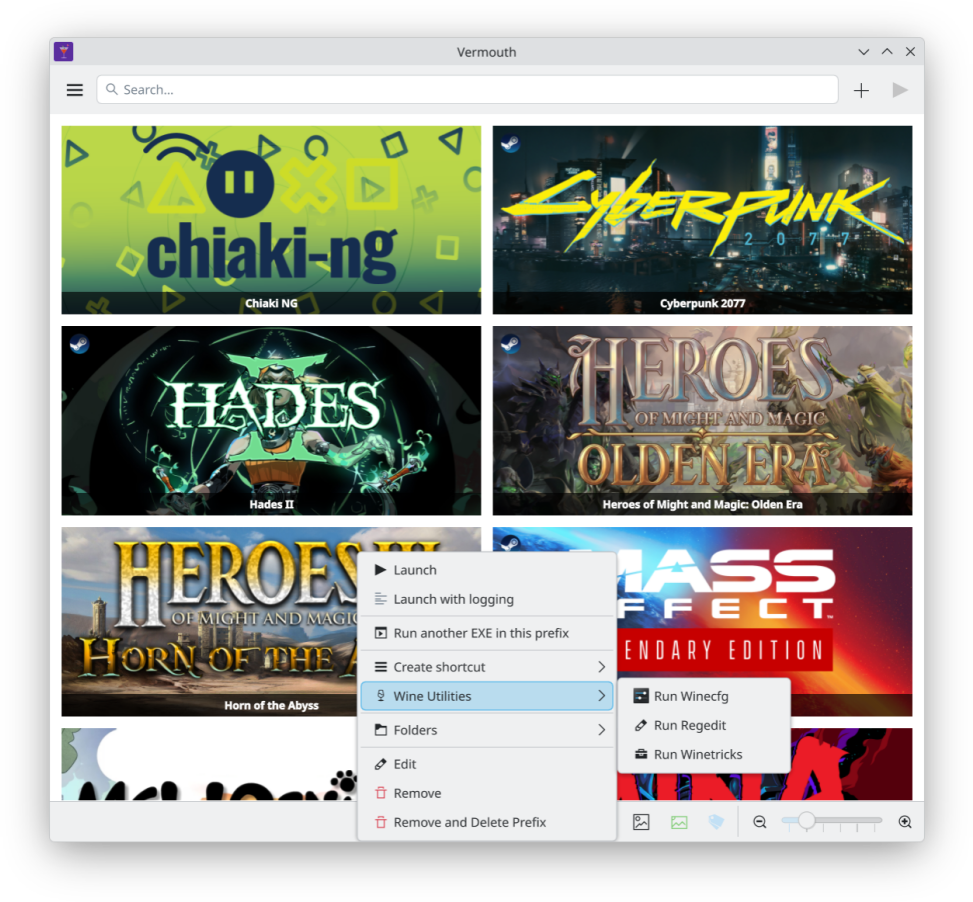
The launcher runs and manages Windows games on Linux using umu-launcher as well as Proton and Wine.
New are an update check for umu-launcher and Proton on startup, “Latest” Proton builds, movable storage folders and a switch for the GOG library. The LSFG options (Lossless Scaling frame generation) have been removed.
v2.8.0
Update checks for umu and Proton, movable folders, and a GOG switch.
New
- Update check on startup - a few seconds after launch, Vermouth checks whether a newer umu-launcher or a newer build of your default Proton is available. If so, an Updates Available dialog offers to install it with one click, or to skip those versions.
- “Latest” Proton builds - downloaded builds are now kept as
GE-Proton-Latest,Proton-CachyOS-Latestand so on, and a new download replaces the previous one in place, so games that use it keep working.- Change the storage folders - Settings has new Assets, Local Proton and Local Wine folders, and the prefix folder can be changed as before. When you change one, you can move the files and update your games, update only the games (if you moved the files yourself), or change nothing but the folder.
- Steam folder shortcut - a button next to the Local Proton Folder fills in Steam’s
compatibilitytools.dfolder when Steam is detected.- GOG library switch - the GOG Library tab can be turned on or off in Settings. It is off for new users, and stays on if you were already logged in to GOG.
Removed
- LSFG (Lossless Scaling frame generation) - the settings and game options are gone, since the project changes often and there are other ways to do it. Games that had it on simply start without it.
Notes
- Don’t change a folder or install a Proton update while a game is running.
Source: GitHub