
Lutris 0.5.20 veröffentlicht
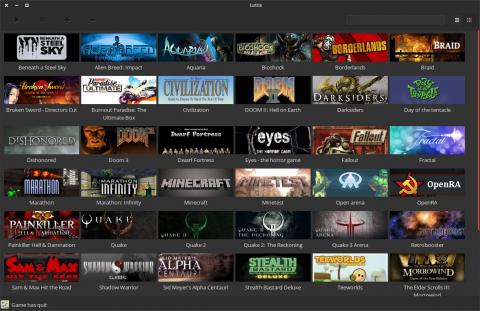
Eine weitere Version (0.5.20) von Lutris wurde veröffentlicht:
v0.5.20 Latest
Proton-GE launched via umu is now the default. Umu takes care of keeping Proton-GE up to date.
Fix Proton integration bugs so Proton-fixes are applied
Do not offer VKD3D, D3D Extras or DXVK-NVAPI on Proton versions; Proton will handle these.
The "Enable Esync" and "Enable Fsync" and "DXVK" settings are now passed on to Proton
DXVK's integrated D8VK will be enabled in Proton
Wine runner adds an option to select Wine's "Wayland driver"
Add little buttons to select covert-art, banner and icons via URL in game configuration
Cover-art or banners from sources will be used when Lutris media is not available
Emulator BIOS file location (used by libretro) may be set in Preferences
Fix for updated Flathub API
Change Itch.io over to the use of API keys instead of usernames and passwords
Update EA App source to their new API
Simplify Itcho.io collections- if you have no collection named "Lutris", we will show all games
MAME Machine setting uses a searchable entry for its enormous list
Obtain the release year from GOG and Itch.io
Add "Azahar" runner
Add "ZOOM Platform" source
Add "Steam Family" source to support Steam Families
Updated versions of runners for TIC-80, EasyRPG, mGBA, Rosalie's Mupen GUI, Ruffle, 86Box
Ryujinx runner can now specific 'application ID' for your multi-game XCIs.
Support for importing Commodore 64 ROMs
Support ICDs for Intel Xe GPUs
Add option for 'ptyxis' terminal
Redundant "Add Games" menu item removed; use the plus button in the corner
Option to hide a source's games from also appearing in the Games view
"Manual Script" for the context menu will now see the game's environment variables
Add "Create Steam Big Picture shortcut" to the context menu
Add a file association to run .lutris installer files via double-click
Fix compatibility with Python 3.14
Download: https://lutris.net/downloads
