
The LinuxGSM Dashboard has been released in version 2.0.0.
The LinuxGSM Dashboard is a web interface for managing dedicated game servers run with the LinuxGSM command line tool on Linux.
New is the management of game servers on several machines via so-called nodes with an encrypted connection. In addition, mod installs now work, alerts via email, Matrix, Pushover and IFTTT arrive (Gotify is new), and autostart via systemd works correctly. There are also many security improvements.
This release brings game servers on several machines into one dashboard, and a complete review of how the dashboard works with LinuxGSM: commands, configs, alerts, schedules, backups, installs and security were checked against the LinuxGSM source and fixed where they did not match.
Highlights
- Nodes: game servers on other machines. Install the agent on another machine (LXC, VPS, at home or on the internet) with the pairing command from Settings > Nodes. Its game servers appear in the dashboard next to the local ones. The connection is end-to-end encrypted (mutual TLS with the dashboard’s own CA, post-quantum key exchange) and needs no open port on the node. Per node you choose read only (view, start, stop, restart) or read and write (everything, including installing servers there). Users can be assigned to whole nodes. FastDL is chosen per server: served by the dashboard, by the node itself, or off. Node certificates renew themselves, and nodes can be updated from the dashboard.
- Mods work. Mods and plugins are picked from the list LinuxGSM offers for the game (Metamod, SourceMod, CounterStrikeSharp, Oxide, …), installed, updated and removed from the dashboard. Before, every mod install failed (“y is not a valid addon/mod”).
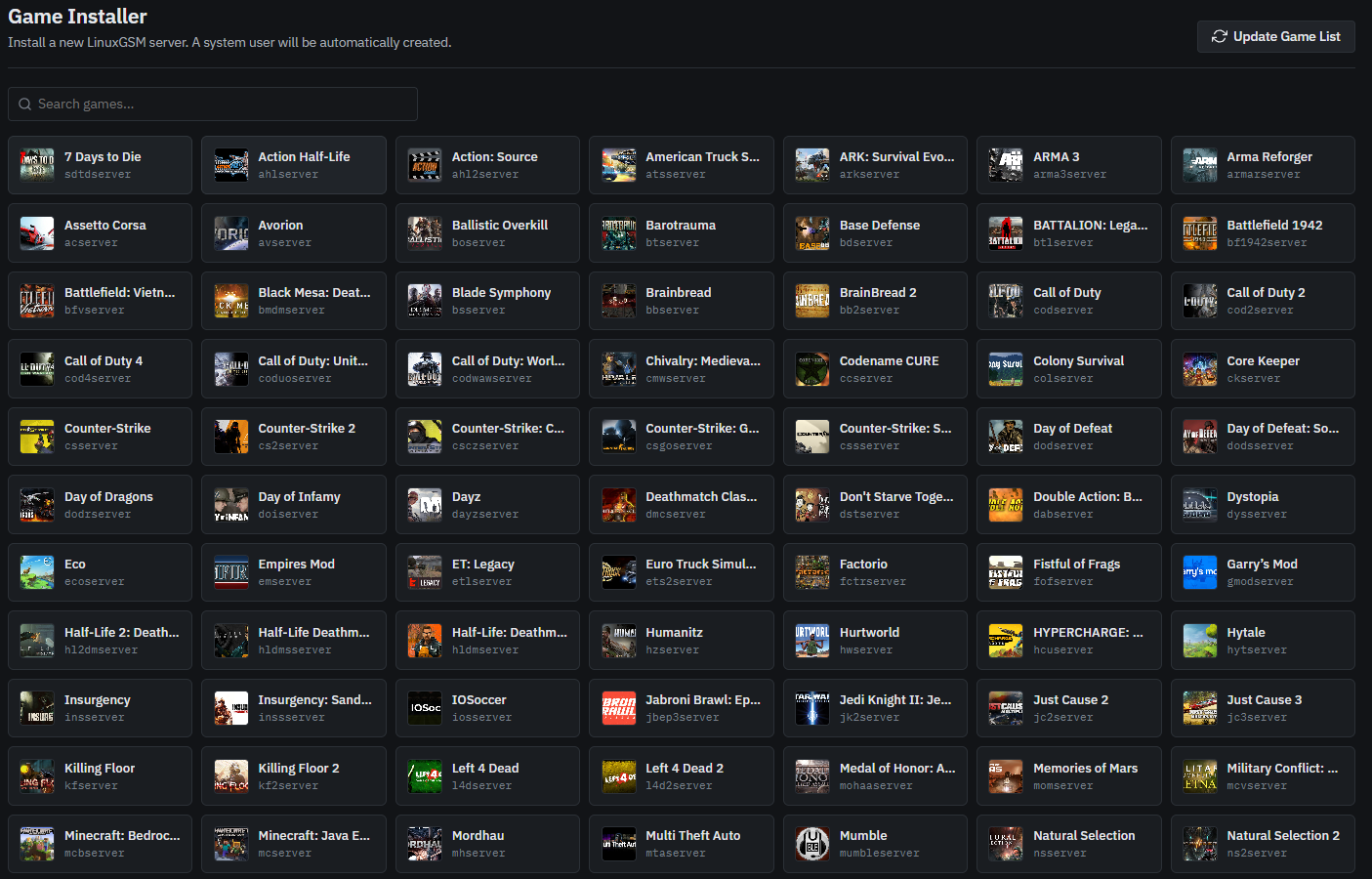
- Only real commands. Every game shows the commands LinuxGSM has for it: no Validate or Force update without SteamCMD, FastDL only for Source and GoldSrc, Workshop updates for Arma 3, DayZ, Squad and others, no console input for games that read none. One command runs per server directory at a time.
- Alerts reach their target. Email, Matrix, Pushover and IFTTT alerts never worked, and ntfy and Pushbullet ignored server, token and channel: the dashboard used variable names LinuxGSM does not know. The alerts form now edits LinuxGSM’s own variables (Gotify added), keeps secrets in
secrets-<server>.cfgand only writes what you change.- The config editor finds the game config LinuxGSM starts the game with, wherever it is (
Saved/of ARK, Conan, Palworld;$HOMEof Project Zomboid;.xml,.sii, …).- Schedules keep what you set. The scheduler no longer adds a daily force-update to every crontab it saves, no longer drops intervals it cannot show, and “every hour” works. A daily restart uses
restart, so it also works for games without SteamCMD.- Autostart works. The systemd unit stopped the server right after starting it and restarted it in a loop. Units are now named per user (
linuxgsm-<user>-<script>.service); existing units are migrated at startup.- Live output. LinuxGSM’s status lines and SteamCMD’s progress update in place while a command runs; “finished with warnings” (exit code 3) is no longer shown as an error.
Security
- Files are opened without following symlinks anywhere in the path, so a game server user can no longer make the dashboard (root) read or write other files by swapping a directory.
- The game server user no longer gets passwordless sudo during an install: the dashboard installs the packages LinuxGSM needs itself, from LinuxGSM’s dependency list.
- Restoring a backup restores only the server data (serverfiles, configs, logs), never dotfiles, scripts or SSH keys, and stops every instance that shares the directory.
- LinuxGSM’s own config files (
lgsm/config-lgsm, bash with alert secrets) can be edited by administrators only;details(shows the server passwords) needs the config permission.- New server homes are 0750; Docker game servers run without raw sockets and with no-new-privileges; the installer refuses unsigned releases without OpenSSL 3.
Upgrade notes
- Building from source needs Go 1.27 (the installer downloads it when needed).
- Dashboard and nodes must run the same minor version (2.0.x).
maxbackupsmust be at least 1: with 0 LinuxGSM deletes every archive in the backup directory.- The
debugaction and the TS3 password button are gone (LinuxGSM’schange-passworddoes not apply the password).- Installing on systems without OpenSSL 3 (Debian 11, Ubuntu 20.04, RHEL 8) needs
--insecure-skip-signature, or OpenSSL 3 installed.Known limitations
- CPU and RAM of servers that share a Linux user are shown as the user’s total.
- The port check tests from the server itself and only understands A2S for UDP.
- Games that need a Steam login (Arma 3, DayZ and a few others) cannot be installed from the dashboard yet.
Source: GitHub