
Vermouth has been released in version v2.1.0.
Vermouth is a game launcher and manager for Linux that lets you run and manage games through different runtimes like Proton and Wine.
The release brings two bigger additions: games can now be installed straight from the sidebar - through the launchers of Amazon Games, Battle.net, EA App, Epic Games Launcher, Rockstar Games, Ubisoft Connect and Wargaming Game Center, or from an installer exe you provide yourself. On top of that come Steam shortcuts, which add the library to Steam as non-Steam games - including a per-game wrapper script and grid, hero and logo art. The Steam shortcuts are flagged as experimental because they rewrite Steam’s shortcuts.vdf.
v2.1.0
Two headline features again - install games straight from the sidebar, and push your library into Steam as shortcuts. Plus the lights out saga continuation.
New
- Install a Game from the sidebar. Pick a launcher - Amazon Games, Battle.net, EA App, Epic Games Launcher, Rockstar Games, Ubisoft Connect, Wargaming Game Center - and Vermouth downloads the installer, runs it in a fresh prefix and links the installed executable into your library.
- Or pick None - choose an installer exe and point Vermouth at an installer you already have. When it’s done, Vermouth asks you to select the actual installed executable to link. Similar to the button in Add Game dialog, but more streamlined now.
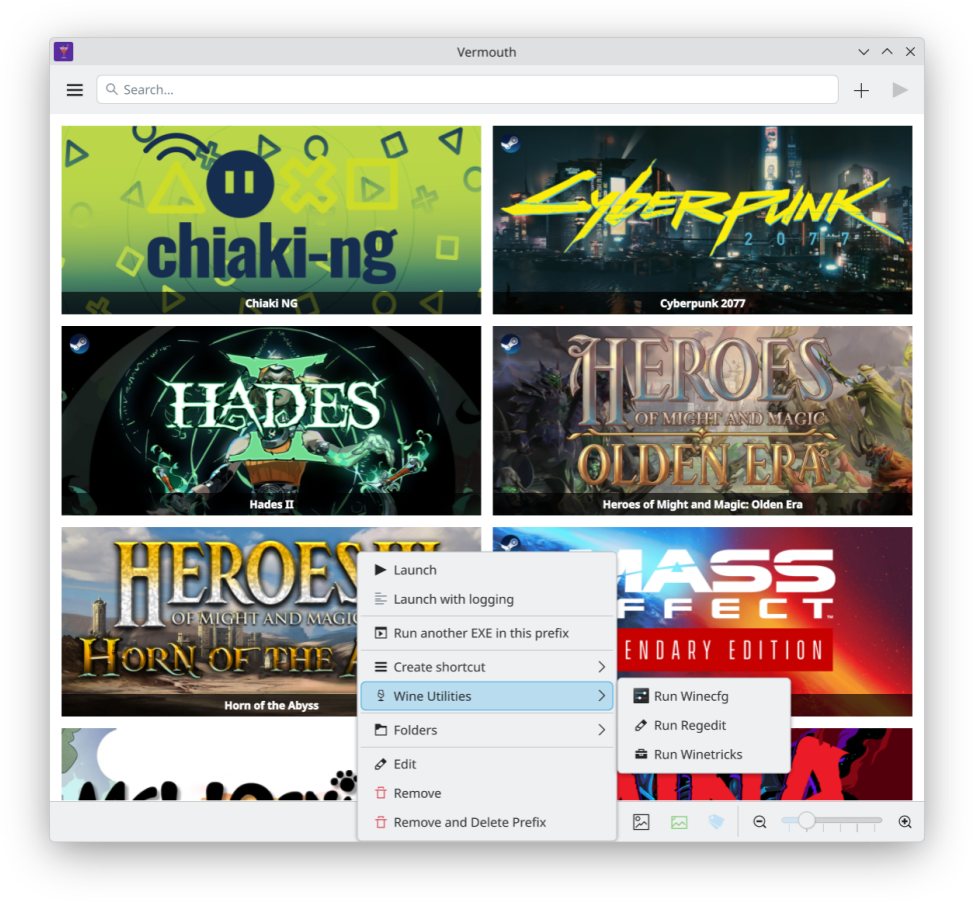
- Steam shortcuts - add your games to the Steam library as non-Steam shortcuts, launched through Vermouth. Opt-in under Settings → Steam Shortcuts → Add to Steam, then right-click a game → Create shortcut → Create Steam shortcut. Includes a per-game wrapper script and copies the grid/hero/logo art into Steam’s grid folder. Closes #73
- New Settings → Steam Shortcuts section with a toggle for the shortcut writer.
Fixes
- Lights Out on Plasma is fixed for real this time. Hopefully. I think. I don’t know.
Notes
- Steam shortcuts are experimental - they rewrite Steam’s
shortcuts.vdf. Close Steam and back it up before using them. Don’t come yelling to me if they mess up your non-steam game shortcuts.
Source: GitHub