
DLSS Updater has been released in version 4.6.1 - shortly after, version 4.6.2 followed as a bugfix release.
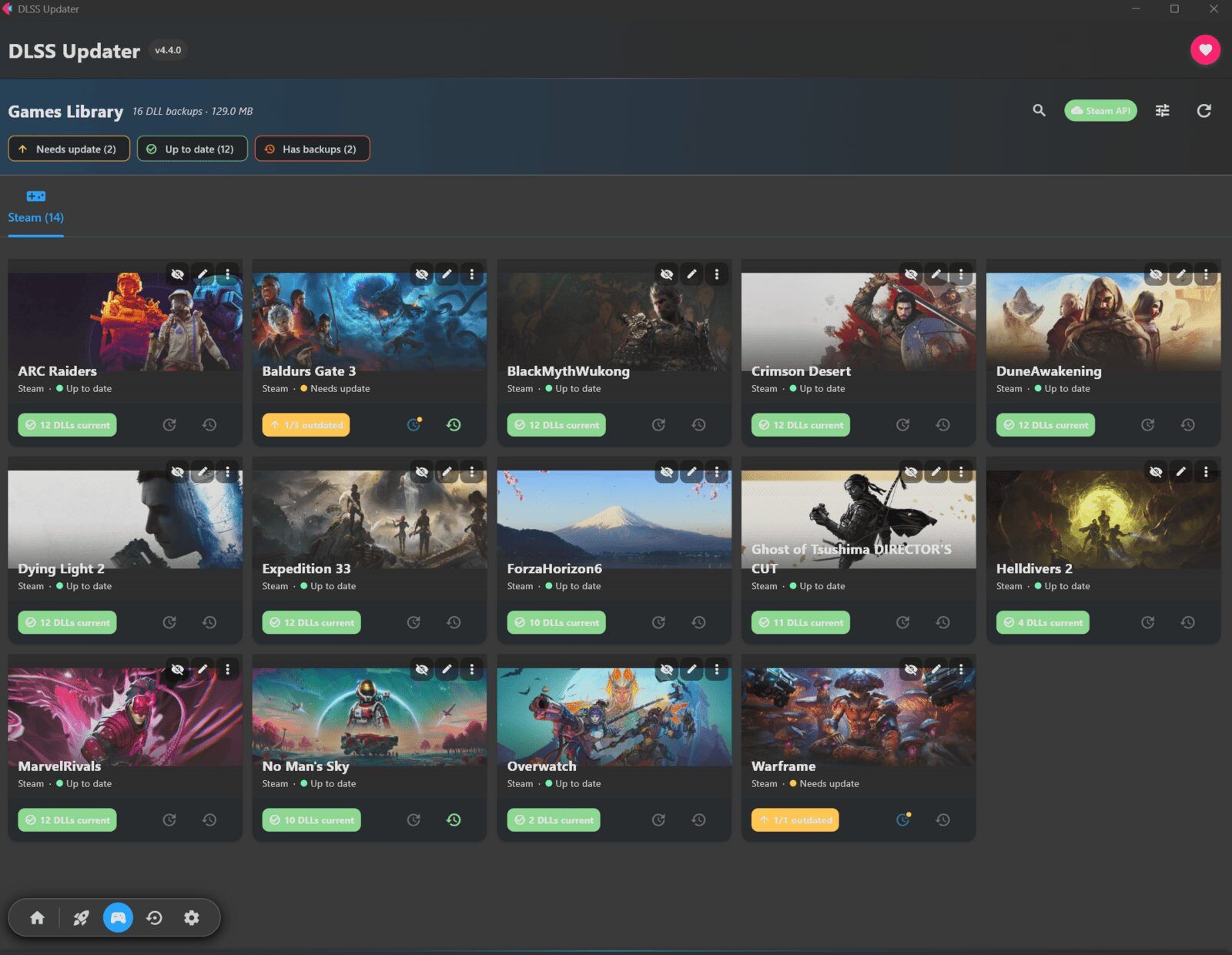
After version 4.6.0, version 4.6.1 mainly brought UI improvements: the hub now shows how many games need updates, with dedicated “Update all” and “Rescan” buttons. The games library also received an “Update all” button and new sorting options with persistent preferences. Six bugs were fixed as well, including incorrect game counts after a restart and dark mode display issues.
Changes in version 4.6.1:
Key Features Added:
- Hub display now shows “N games need updates” with dedicated “Update all” and “Rescan” buttons, consolidating functionality previously scattered across the Launchers screen
- Games library received an “Update all (N)” button for batch operations
- New sorting options (by name, DLL count, or outdated status) with persistent user preferences
Bug Fixes:
- Launcher cards no longer display incorrect “0 games” counts after application restart
- Hub and Games sections now report consistent update counts
- “Scan and Update” feature properly preserves scan results
- UI layout improvements preventing last backup group from hiding beneath navigation
- Small window sizes no longer cause clipping in Games header and hub
- Dark mode surfaces redesigned to ensure header bands remain visible
Changes in version 4.6.2:
This release is a pure bugfix release: it fixes an issue where the Flet runtime no longer downloaded on fresh Windows installations, causing the application to fail to load. It also corrects the certificate CA root of trust on Windows and includes security updates for Linux libraries.
The update addresses three primary concerns:
- Fixes for Flet no longer downloading the runtime, causing the application to fail to load on new Windows installations
- Certificate CA root of trust corrections for Windows (Issue #265)
- Security updates for Linux libraries
A dependency bump updated aiohttp from version 3.14.1 to 3.14.3 across the Flathub directory.
Source: GitHub