
Thanks to WebHID and its rumble motors, the Steam Controller can be remote controlled too - two browser-based projects make it happen.
Both use the controller’s haptic motors to make it “crawl” across a table like a tiny RC car. All you need is a Chromium-based browser (Chrome, Edge) with WebHID support.
Steam Controller Auto-Charge lets the controller find its way back to its charging puck automatically. An overhead camera tracks the position of controller and puck via optical flow (OpenCV.js), while targeted 70Hz haptic pulses steer the controller toward the puck - close to the puck, the project switches to a gentler “proximity creep” mode. The source code is freely available under the MIT license (Vue 3, TypeScript, Rust/WebAssembly).
An open-source web application that automatically guides a Steam Controller into its magnetic charging dock using computer vision and WebHID technology.
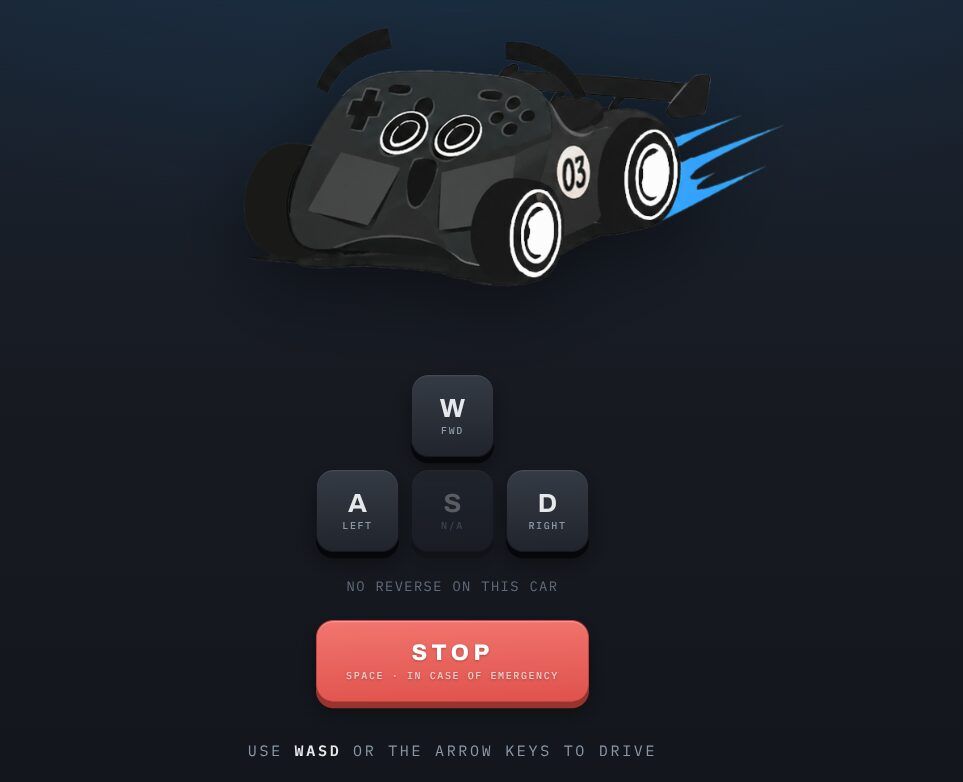
Steam Controller Remote keeps it simpler: you drive the controller directly with W, A, S, D or the arrow keys like an RC car - forward, left, right, no reverse available. Spacebar acts as an emergency stop, and plus/minus buttons adjust the intensity of the pulses. As a bonus, it can even load MIDI files that get “played” through the haptic motors.
This web-based tool transforms a Steam Controller into a remote-controlled car by activating its rumble motors to create movement.
Both projects are purely experimental - the developers advise against extended use due to wear.