
Der Amethyst Mod Manager wurde in der Version 2.5.5 veröffentlicht.
Neu ist die Unterstützung für The Sims 3, Star Wars: Zero Company und Grim Dawn. Außerdem gibt es unter anderem eine Option zum Weiterleiten von nxm-Links, das Verlinken von Mods in andere Profile und die Ein-Klick-Installation von Windows-Komponenten über das Proton-Menü.
Changelog
Game Support
- Added The Sims 3
- Added Star Wars: Zero Company
- Added Grim Dawn
Additions
- Added settings option to forward nxm links to other applications
- Added UI settings option to change default priority sort order
- Added one-click Windows component installation from Proton menu
- Added option to open modlist panel as tab for cross-panel mod sorting
- Added option to symlink mods to other profiles
- Added Thunderstore dropdown option to import r2x manifest
- Added option to disable keybinds in settings menu
Changes
- Appimage updates now install via zsync file instead of rerunning install script
- Bethesda profile-specific saves now use sLocalSavePath
- Creation Club disabling in Fallout 4 and Skyrim SE is now optional
- Profile export sets disabled mods to optional by default and highlights them
- Application theme can be changed in onboarding menu with installed games list
- Skyrim Together Reborn is detected when pressing play
Bug Fixes
- Fixed Thunderstore dependency downloading for mods with 200+ dependencies
- Fixed mod dragging issues in download tab
- Fixed Oblivion Remastered Wabbajack lists root folder detection
- Fixed Lutris game path detection for shortcuts/launchers
- Fixed Pandora black screen issues via wizard
- Fixed multiple deployment and installation failure reporting issues
- Fixed Wabbajack installs with BA2 texture mip size problems
- Fixed DLL override controller issues
- Fixed Witcher 3 Script Merger and load ordering issues
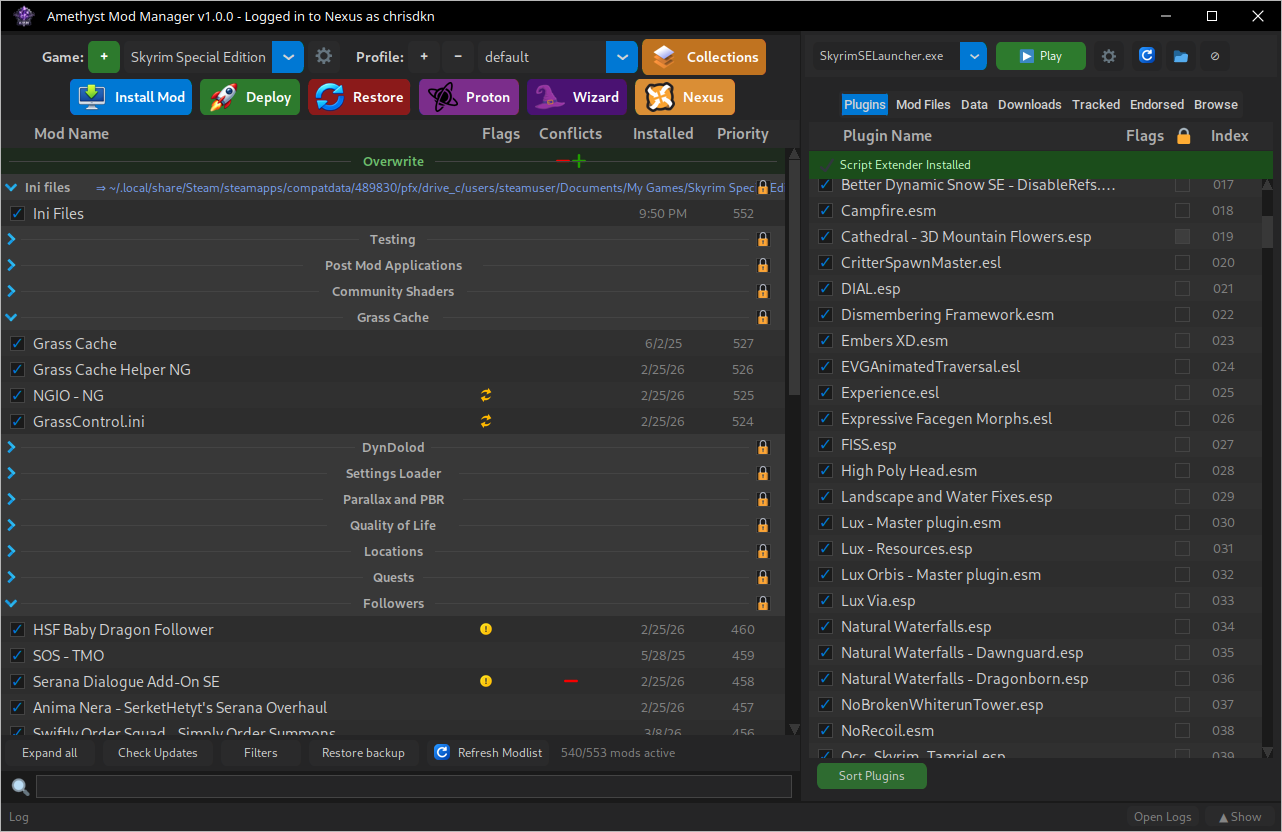
Quelle: GitHub