
Der Faugus Launcher, ein Spielelauncher für Linux zum Verwalten von Wine- und Proton-Spielen, wurde in Version 2.3.0 veröffentlicht.
Das Update folgt auf Version 2.2.2 und bringt größere Neuerungen: Beim Hinzufügen eines Spiels lässt sich nun ein Installer ausführen, der den Pfad zur Spiele-EXE danach automatisch übernimmt. Dateien können per Drag and Drop auf den Launcher gezogen werden, um ein Spiel anzulegen. Hinzu kommen Proton-Wineland-Unterstützung, ein Suchfeld für weitere SteamGridDB-Assets und die Möglichkeit, den Spieltitel zu bearbeiten.
- Added an option to run an installer when adding a new game. It automatically grabs the path of the game executable after the installation.
- Added an option to automatically create shortcuts when installing something through the file manager.
- The features above are not always 100% accurate because the path is obtained from shortcuts created by Windows and sometimes more than one shortcut is created, which can cause the algorithm to select the wrong path.
- Now you can drag and drop a file onto the launcher to start adding a new game.
- Added support for Proton-Wineland. “Proton Wineland aims to make Windows games and their supporting applications feel at home on a Wayland desktop.” It improves launcher compatibility, fullscreen behaviour, and common window actions such as minimising, maximising, restoring, and moving games between monitors. It also works to improve video and media playback, and the rendering of overlays or companion windows, including cases where those windows are created by a separate process.
- Added a field to search for other SteamGridDB assets.
- Reworked to allow editing the game title.
- Show a message asking whether to discard the prefix created when canceling a new game addition.
- Updated translations (Bulgarian, Swedish, Portuguese (Brazil), Italian, German, Spanish, Chinese (Simplified), Japanese).
Dependencies required for AppImage: pygobject gtk4 libadwaita libmanette
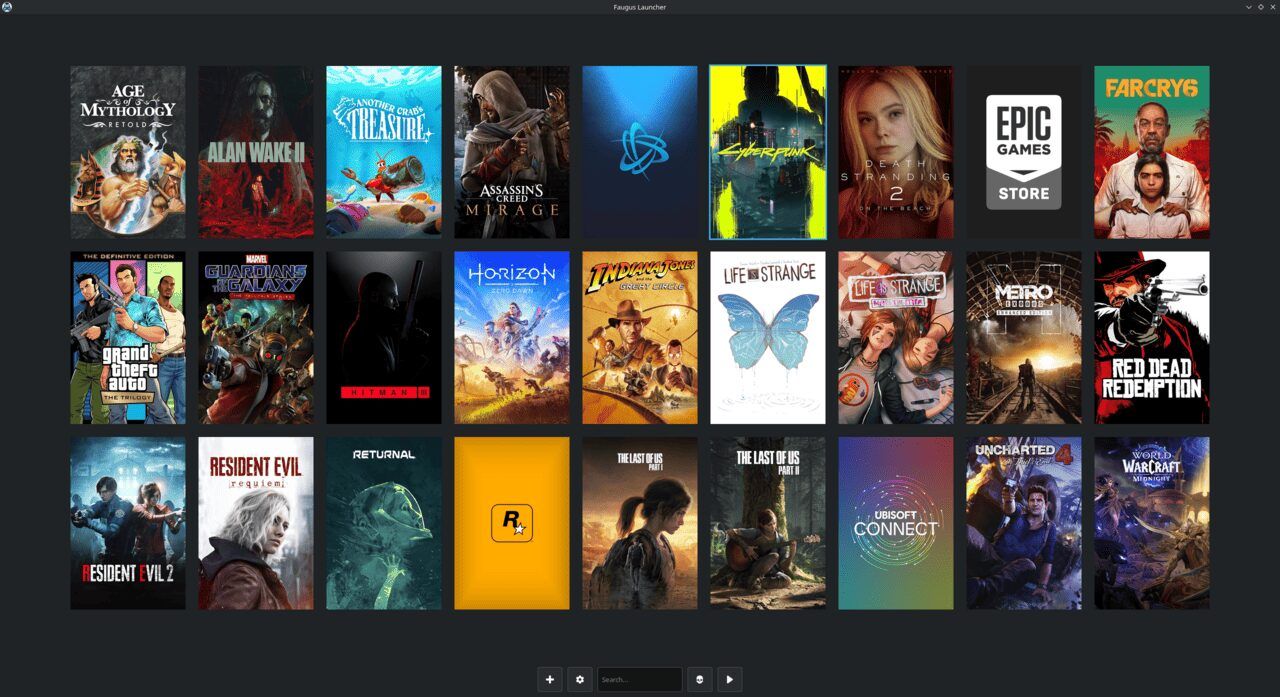
Quelle: GitHub