
ProtonPlus, a graphical manager for “Compatibility Tools”, has been released in version v0.6.9.
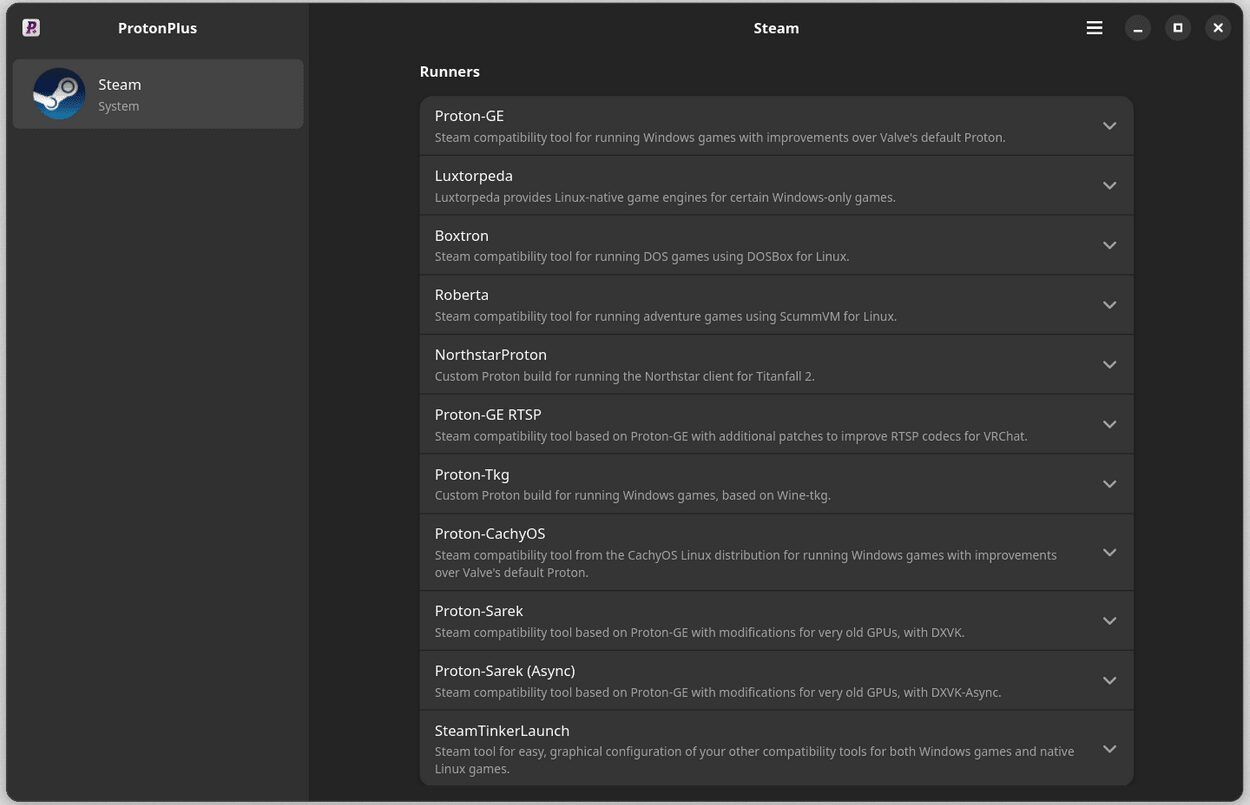
The big update brings games support for Lutris, Faugus Launcher, Heroic Games Launcher and Bottles, TinkerGame, new CLI commands and native packages for Debian, Ubuntu, Fedora and Arch Linux. The built-in MangoHud configuration editor was removed.
Improvements:
- Added Games support for Lutris, Faugus Launcher, Heroic Games Launcher, and Bottles. You can launch games or programs, open their folders, and change runners for eligible Lutris and Faugus games.
- Grouped all tool categories for the selected launcher on one page and made it easier to change the compatibility tool for a single Steam game.
- Refined the Tools, Games, Preferences, and Welcome screens and added an in-app Help guide.
- Added automatic download retries, resume across ProtonPlus restarts, and an optional HTTPS mirror for GitHub release assets.
- Added Proton-Autogen as a launcher for managing Proton builds and game profiles.
- Added TinkerGame installation and updates, with an option to copy settings from SteamTinkerLaunch. TinkerGame requires native ProtonPlus and native Steam outside SteamOS.
- Added Rosemary for macOS Steam games on x86-64 native and Flatpak Steam.
- Added build selection for DXVK-Sarek and made Proton-Anime and Proton-HEVC available under Show Niche Tools.
- Added CLI
searchandoutdatedcommands with JSON output, plussyncandcleanupfor the release cache. CLI listings now show stable tool IDs and installed release tags.- Added native packages for Debian, Ubuntu, Fedora, and Arch Linux, plus SHA-256 checksums for GitHub release assets.
Fixes:
- Improved tool installation, updates, and removal when operations overlap, are cancelled, or fail.
- Preserved Latest installations across provider renames and improved handling of symlinked tool directories during updates.
- Fixed Steam games missing when
libraryfolders.vdfis stored in Steam’s config directory and corrected some Steam game launch IDs.- Improved tracking of pending Steam changes and restarts, and added warnings and recovery guidance for incomplete compatibility tools.
- Fixed custom Steam launch wrappers appearing after
%command%and corrected validation for several RADV, ACO, and VKD3D flags.- Fixed the custom executable picker opening outside the selected prefix’s C drive.
- Fixed release asset matching, DLSS updates blocked by legacy NVAPI checks, and detection of optional Flatpak components when multiple branches are installed.
Changes:
- Updated the Flatpak runtime to GNOME 51.
- Removed the built-in MangoHud configuration editor. Existing MangoHud configurations and overlay launch options continue to work.
Translations:
- Updated translations and corrected plural labels in Games.
Installation is available via Flatpak.
Source: GitHub