
Amethyst Mod Manager has been released in version 2.6.0.
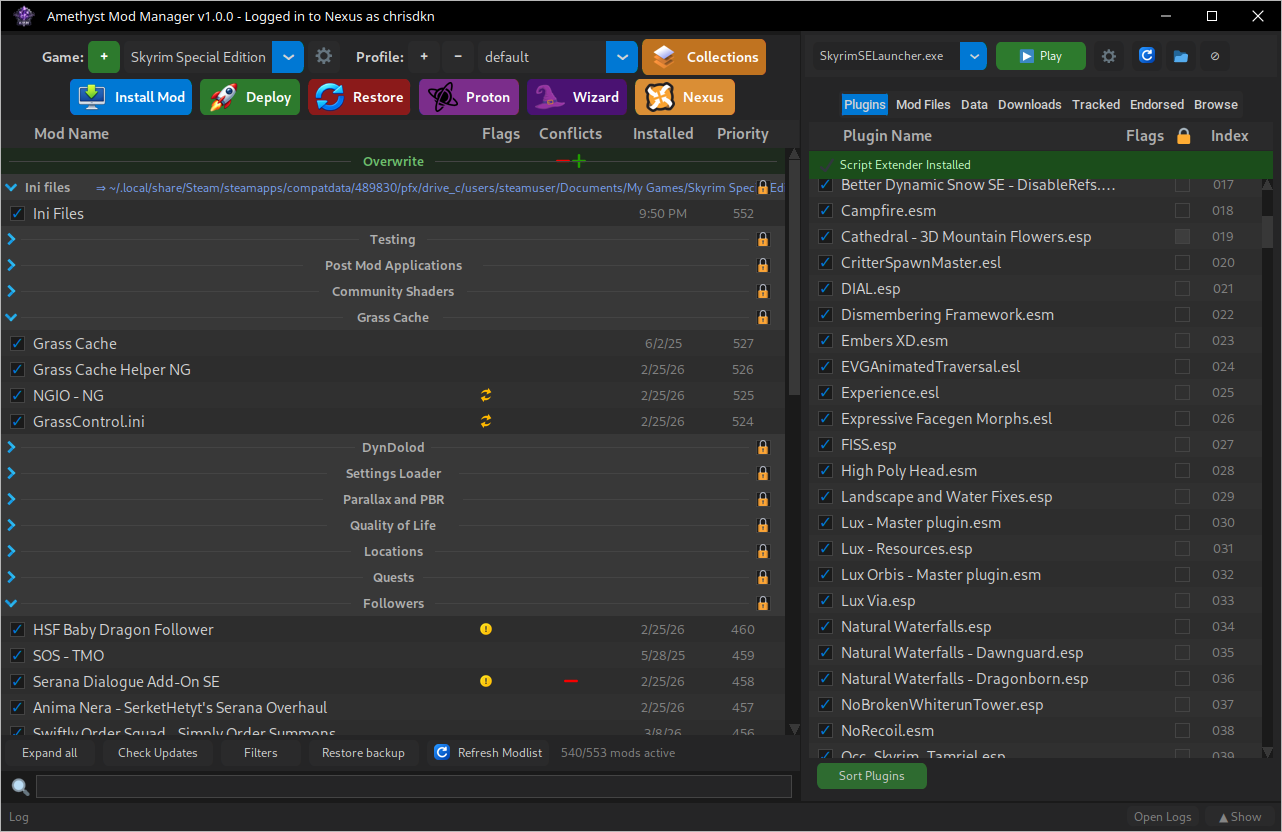
It brings a much expanded plugin system with a plugin browser, including a Steam Workshop browser and legacy installers for older .fomod and .omod files. There is also a headless/API mode, Thunderstore share code import, support for Nivalis Nights and Prey (2017), and installation via Flatpak.
Whats Changed
Game Support
- Added Nivalis Nights
- Added Prey (2017) #751
Additions
- Added a headless/api mode to the manager to allow external applictions/scripts to use most of the manager’s functions directly
- Added plugins support and a plugins browser,
- Added automatic Steam overlay loading for direct game launches, including VFS
- Added Thunderstore share code importing through the Thunderstore dropdown
- Added an option to export saves on profile export and import on profile import
- Added a LOOT report button to the plugins tab showing the masterlist’s general messages and plugin download locations
- Added Open as tab support to all plugin panel tabs
Changes
- Custom repositories can now be added to source custom game handlers in the add game menu
- Script extender wizards now default to installing into the modlist intead of the game folder
- Centered the Plugins panel buttons to match the modlist panel
Bug Fixes
- Fixed some Windows-created ZIP archives installing empty folders as files
- Fixed Restore failing when profile-save state is empty or malformed.
- Fixed FOMOD installers failing when paths begin with slashes or backslashes.
- Fixed an issue where prefixes created in the mods folder from the BS/OS and Pandora wizards could cause other applications mods scanning to break
- Fixed an issue in the Nexus browser when searching in the Tracked/Endored windows where it would search within the Browse window instead
- Fixed an issue where manually adding a folder/mod to a wabbajack list would not appear even when refreshing the modlist
- Fixed an issue where the game folder’s text files were not showing in the text files tab
Plugins
2.6.0 includes a much better plugin system. Previously “plugins” could only add wizard tool entries and were limited on what they could do.
In the plugin browser, located at the top right of the manager there’s a few plugins available already. Including:
- A full steam workshop browser, manage subscribed mods or install them directly. Subscribed mods also show up in the modlist panel
- Legacy installers, This aims to allow installation of older c# scripted .fomod and .omod files
And a few other small ones.
Flatpak
Run the following command to install or download the bundle directly
flatpak install --user https://chrisdkn.github.io/Amethyst-Mod-Manager/amethyst.flatpakrefUpdates will be shown in manager and in the discover store/package manager
Appimage
Run the following command to install/Update. Or download the appimage directly.
curl -sSL https://raw.githubusercontent.com/ChrisDKN/Amethyst-Mod-Manager/main/src/appimage/Amethyst-MM-installer.sh | bashUpdates will be shown in the manager and can be downloaded from there
Source: GitHub