
volt-gui has been released in version 2.2.1.
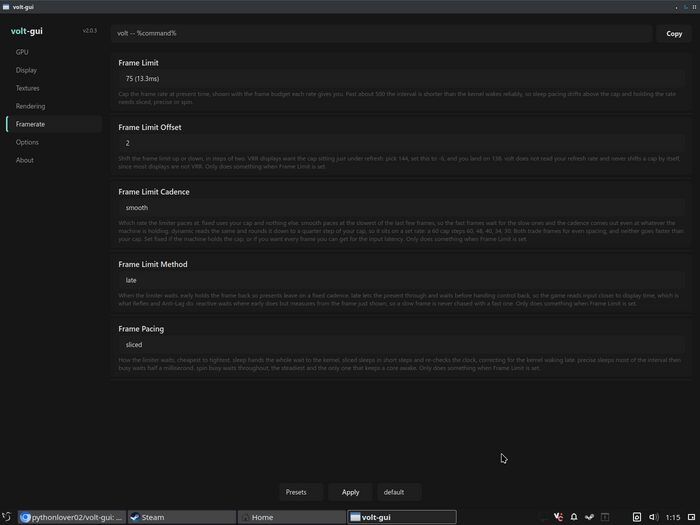
The tool is a Vulkan implicit layer with a graphical interface that lets users adjust Vulkan behavior for games on Linux in a driver-agnostic way, covering things like texture filtering, the frame limiter, and display settings.
One day after version 2.2.0, 2.2.1 lands as a small fix around profile management. The default profile now reads “Default” in the dropdown and the tray menu (label only, the file stays default.toml), a separator sets it apart from user-created profiles, and profile names are now read case-insensitively. Existing 2.2.0 profiles carry over untouched.
Small Fix:
2.2.1 is a small fix over the 2.2.0 release, changing:
- The default profile now reads
Defaultin the profile dropdown and in the tray menu. Only the label changed. The file is stilldefault.toml, the launch command still saysvolt -- %command%, and 2.2.0 profiles carry over untouched.- The dropdown now puts a separator between the default profile and the ones you made, so the two are not one flat list. It only shows up once you have more than one profile.
- Profile names are now read case insensitively.
Default,DEFAULTanddefaultall land on the default profile instead of a stray casing becoming a separate name. Same for the reserved names, soProbeandOptionsno longer slip past the check and collide withprobe.tomloroptions.toml. This only matters if you type the name yourself, the GUI never had a way to produce those.- Padding fix on the tray submenu title.
Source: GitHub