
WineGUI has been released in version v4.0.0.
WineGUI is a user-friendly graphical manager for Wine on Linux.
The update brings a context menu for the bottle list (Edit, Configure, Clone, Run, Delete), one-click DXVK GPU testing, and performance overlay (HUD) options in the edit machine window. It also adds an AppImage package format and the ability to generate application shortcuts for menus and desktops.
- Context menu on bottle list for quick access to Edit, Configure, Clone, Run, and Delete functions
- One-click DXVK GPU testing in the application list
- Performance overlay (HUD) options in the edit machine window
- AppImage single-file package format
- Application shortcut generation for menus and desktops
- Wine Mono reinstall button in Configure window
- Restored main toolbar overflow menu and refreshed Configure sidebar layout
- Scroll-to-selected-bottle functionality
- Enhanced startup speed through in-memory registry file caching
- Ubuntu 26.04 (Resolute) package support added; AppImage and CI build processes improved
Debian 12 “Bookworm” support has been discontinued - it was released in 2023 and has been superseded by Debian 13, and it shipped with an older GTK4/gtkmm (4.8). Dropping it allowed modernizing the file dialogs and removing legacy compatibility code.
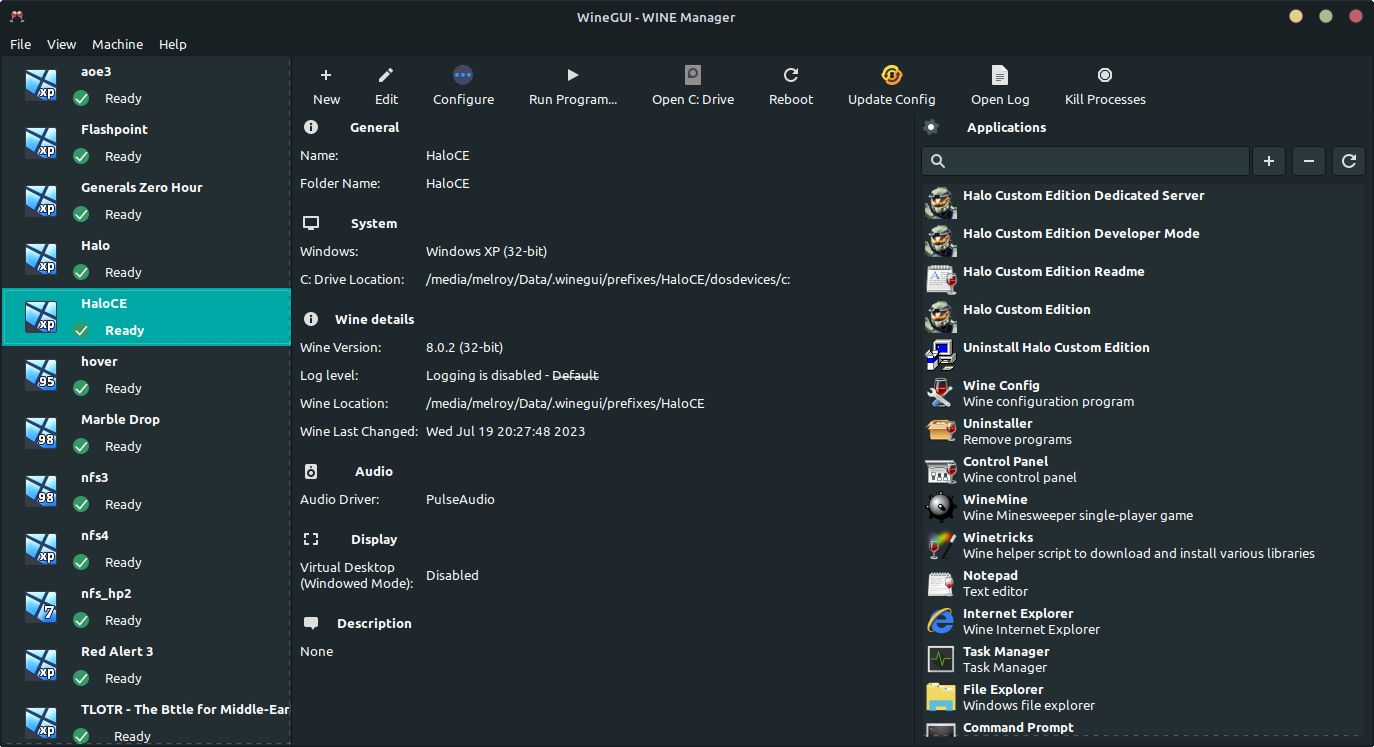
Source: GitLab