
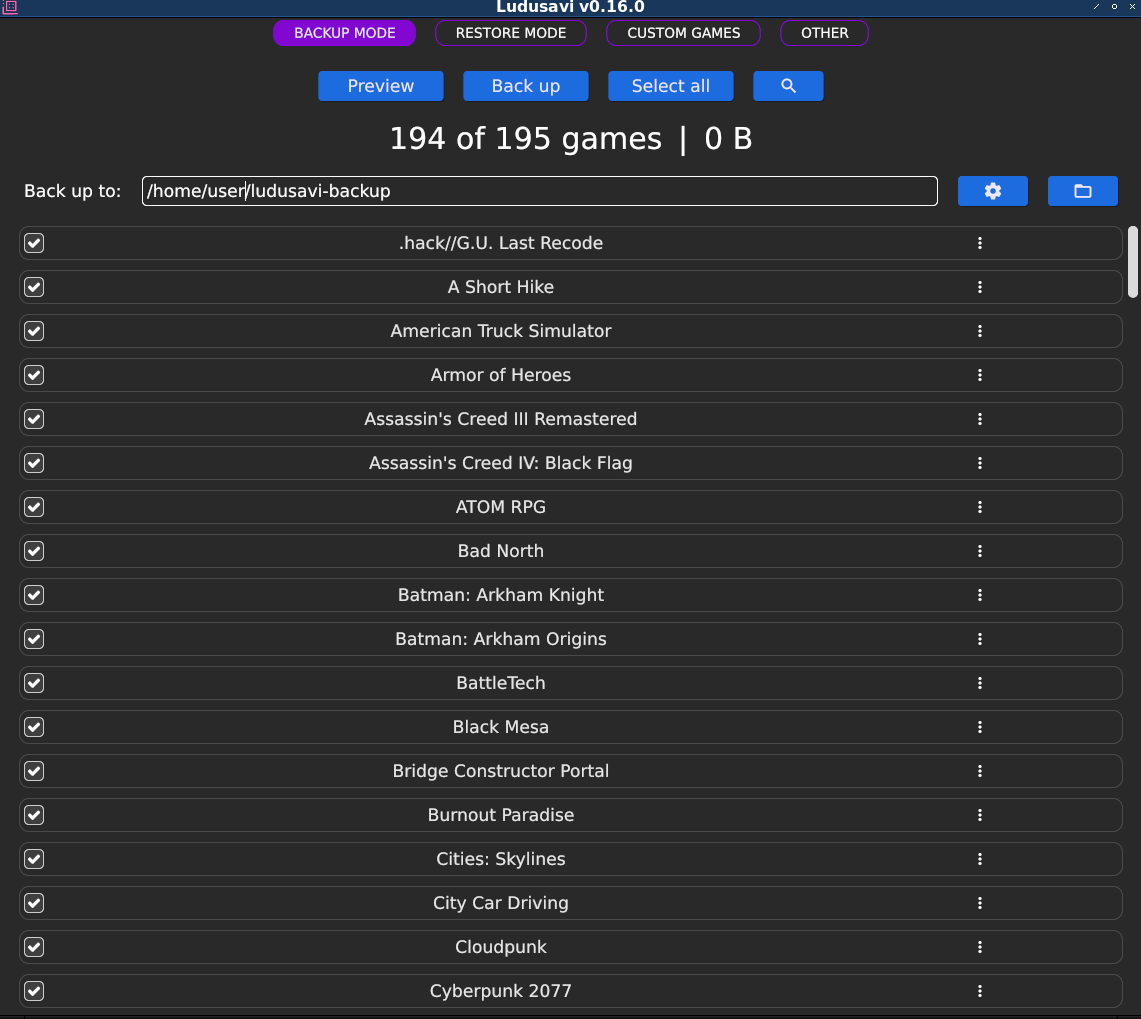
Ludusavi, the tool to create backups from game saves, has been released in version v0.26.0.
v0.26.0 (2024-10-29) Latest The Linux and Mac downloads are now provided in .tar.gz format to better preserve the files’ executable permissions. Added: Paths may now use the placeholder. This is supported in Steam, GOG, and Lutris roots. For Steam roots, this also supports shortcuts to non-Steam games, where the placeholder will map to the shortcut’s dynamic app ID. Paths may now use the placeholder. GUI: On the backup and restore screens, if you activate the filter options, then the backup/restore buttons will only process the currently listed games. This allows you to quickly scan a specific subset of games. You can now choose whether a custom game will override or extend a manifest entry with the same name. Previously, it would always override the manifest entry completely. GUI: Custom games can now be expanded/collapsed, sorted, and filtered. GUI: Custom games now have an icon to indicate when they override/extend a manifest entry. You can now configure redirects to be processed in reverse sequence when restoring. GUI: On the custom games screen, when you use the button to preview a custom game, the window will switch to the backup screen and show you the results for that game. GUI: There is now a button to quickly reset the game list filters, while still leaving the filter options open. Fixed: Files on Windows network shares were not backed up correctly. For example, a file identified as \localhost\share\test.txt would be backed up as /drive-____UNC_localhost_share_test.txt instead of the intended /drive-____UNC_localhost_share/test.txt. When Steam was not installed, the logs would contain a warning-level message. This has been demoted to an info-level message. GUI: Fixed some inconsistent spacing between elements. CLI: On Linux, the wrap command’s –infer steam option would fail to find the SteamAppId environment variable due to a case mismatch. CLI: In some error conditions, the wrap command would show an alert and wait for the user to press a key, even if –force was specified. Now, with –force, Ludusavi will not wait for any input. Old log files were not deleted when stored on a Windows network share. GUI: The title filter was case-sensitive. Changed: GUI: After successfully backing up or restoring a game, the status icons (new/updated/etc) will be cleared for that game. GUI: If the GUI fails to load, Ludusavi will try to log the error info. GUI: When you launch Ludusavi, the window now ensures that it gains focus. GUI: Modals now display on top of the app with a transparent background. GUI: On the backup and restore screens, the filter controls now wrap depending on the window size. GUI: The backup format and retention settings are now on the “other” screen, instead of being accessed via the gear icon on the backup screen. GUI: Some uses of “select”/“deselect” have been changed to “enable”/“disable”. GUI: The game list filters now have a different background color. Updated translations. (Thanks to contributors on the Crowdin project)